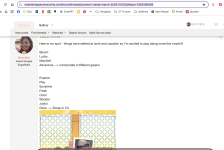
Hey, ladies - have you discovered all the ways you can customize your personal profile yet?
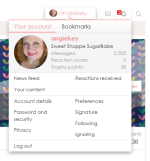
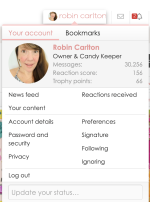
In the upper right corner next to the messages and alerts icons, you'll see your user name. Click on it, and you'll get a pull-down menu. Then click on your user name in the pop-up, to the right of your photo:
View attachment 676102
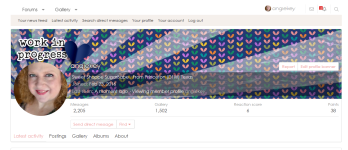
That'll show you your
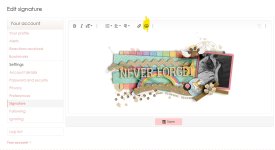
Profile page. To edit it, click on
Your Account in the grey menu bar at the top.
Not only can you easily edit your avatar photo as previously discussed, but you can upload a
Profile Banner that appears at the top of your profile screen as well as in the hover pop-up whenever anyone hovers over your userID. I had fun playing with it!
View attachment 676103




 My image is black when I choose the "upload file" option. This is too stressful for me right now. I think that I'll wait a few days and try again.