Using AI?

i_like_snow

New member
Does anyone use AI to help build your scrapbook pages in Adobe Photoshop Elements 11? I am 20 years behind scrapbooking my two boys childhoods and it takes me forever to create the pages. I love scrapbooking but i feel like I'll never catch up. I asked chat gbt to redo a page for me and i loved it! But it was on my phone and I'm not sure how to go about using it on the computer. Also I don't want AI to alter the photo's (mess up faces, etc). I also have so many kits from this website saved to my computer. Is there any way to utilize AI with digital scrapbooking kits?
 
I've used both ChatGPT and Claude but only to suggest fonts, titles, title placement, or kit colors that would go with the pictures. I don't use either for the actual scrapping. I prefer to do that myself. I scrap solely for the enjoyment of it doing, so I don't feel any pressure to be caught up or anything like that.
 
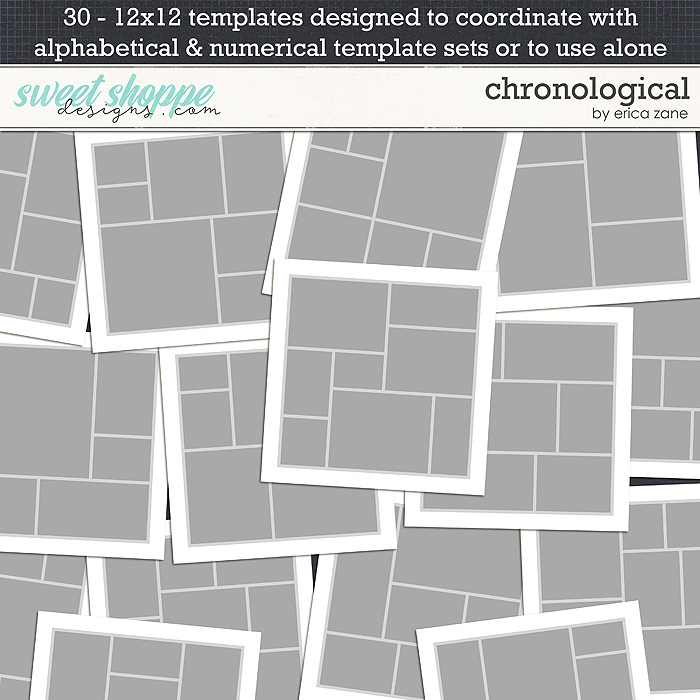
I use chatgpt to help me word letters or journalling, but that's all so far. I don't think we'll ever be 'caught up', but there are definitely some good multiphoto templates that make it easier if that helps.

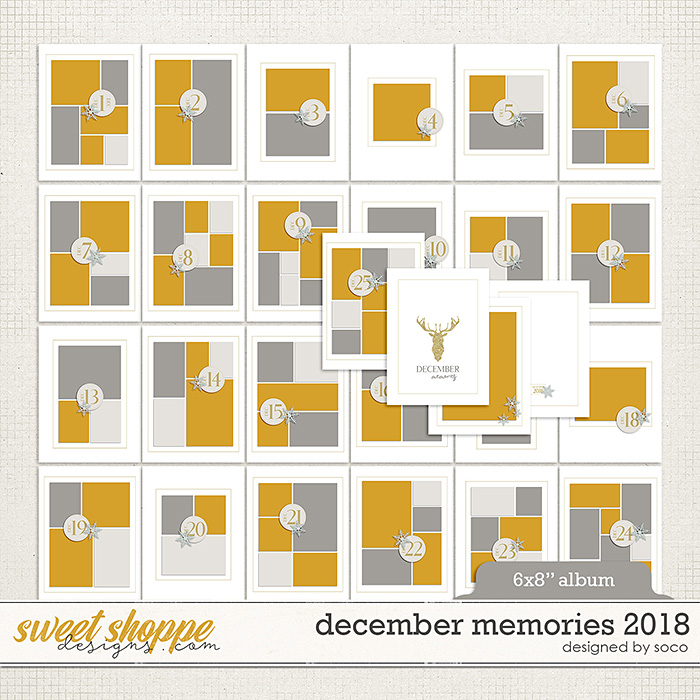
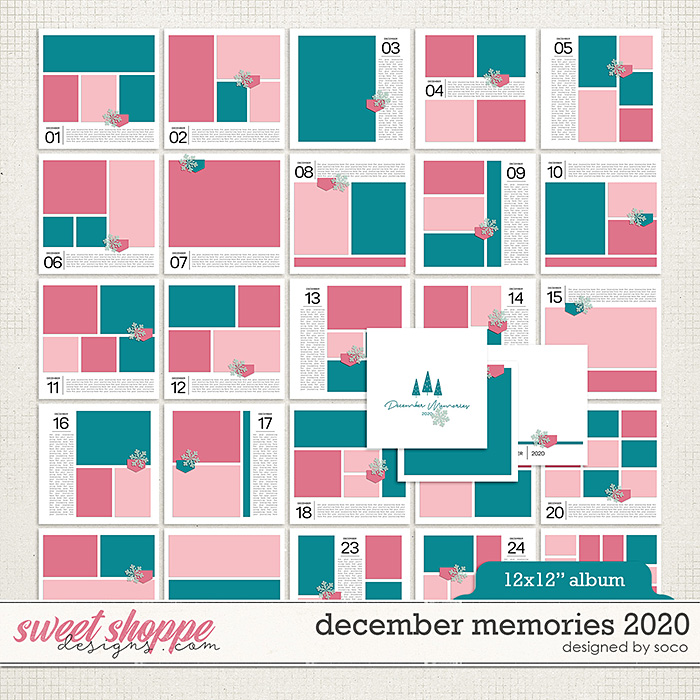
These types of templates don't even need embellishment. Store samples show them both plain and dressed up.


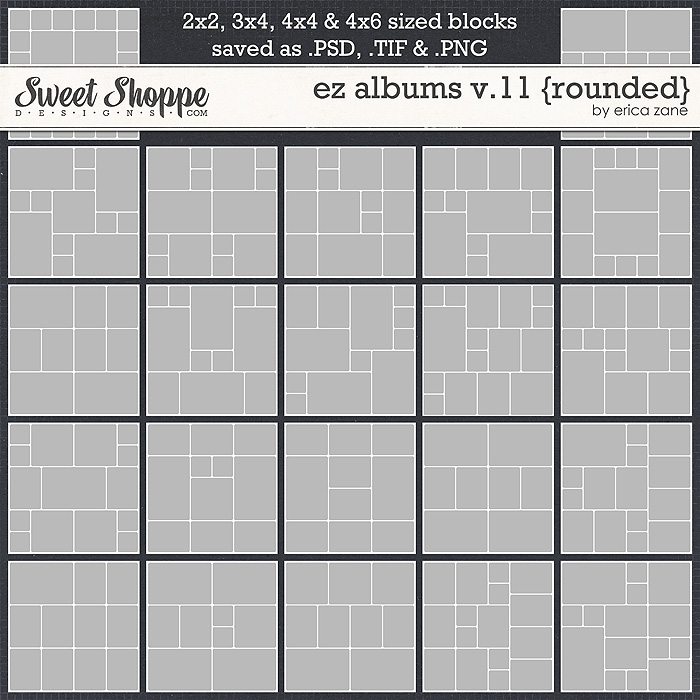
Check out album templates in the store. I use them and LOVE them for quick pages using lots of photos. You can use a photo spot for journalling, patterned paper, embellishment, or whatever.
 
I prefer not to use AI for anything, so I am no help. I think Jacinda's template suggestions would be helpful. Some of the quickest pages I have done are in the pocket or blocked style! Just doing pages can help you feel like you are making a dent in your photos!
 
I would be really, really careful about asking AI to "help" create layouts using product you've purchased and downloaded.

They all come with Personal Use licenses, which gives you the ability to use them on your own layouts. If you uploaded them to an AI tool, that makes the artwork part of the AI system's library, which would be a definite violation of that license.

As a suggestion, though, you might ask an AI tool to create a layout for you with just your photos on a plain white background. Then open that in your favorite image processing program and start adding in the pretties from your kits and giving them drop-shadows. It'll look sleek and modern and dimensional and gorgeous, and having AI do that initial layout would save you a little bit of time.

On the other hand, I always want more control over where things go, so those EZ Albums templates are the BEST!
 
They all come with Personal Use licenses, which gives you the ability to use them on your own layouts. If you uploaded them to an AI tool, that makes the artwork part of the AI system's library, which would be a definite violation of that license.
This exactly. I need to update my TOU to clarify do not put my products into AI generators! :)
 
Back
Top