Think Outside The Box - March 2

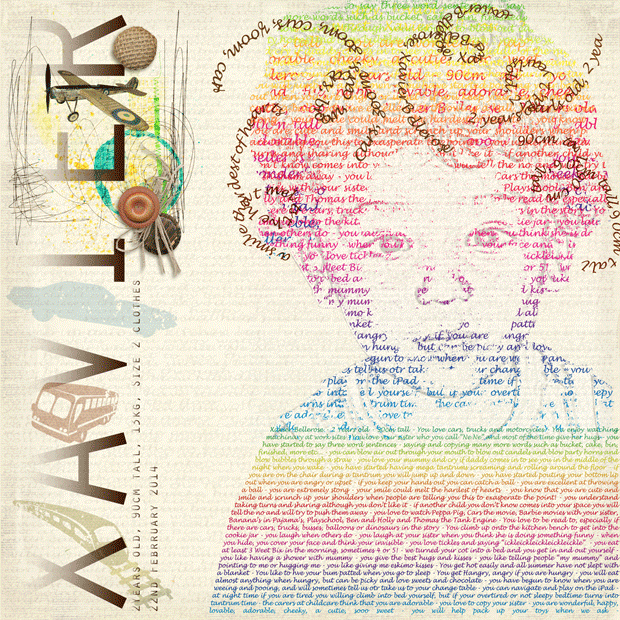
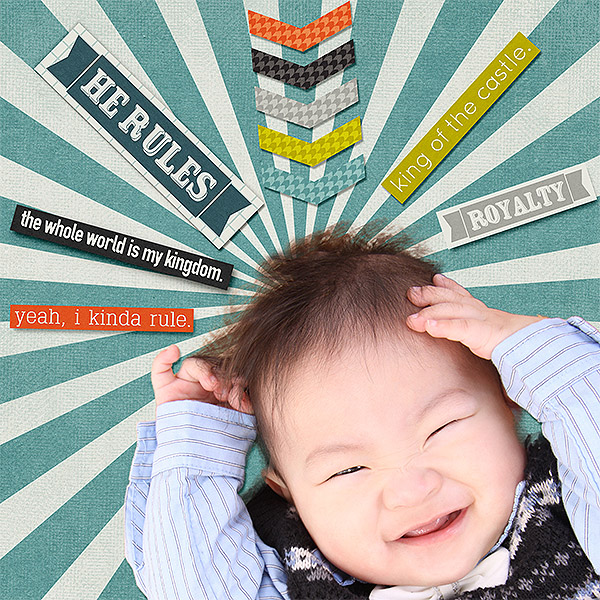
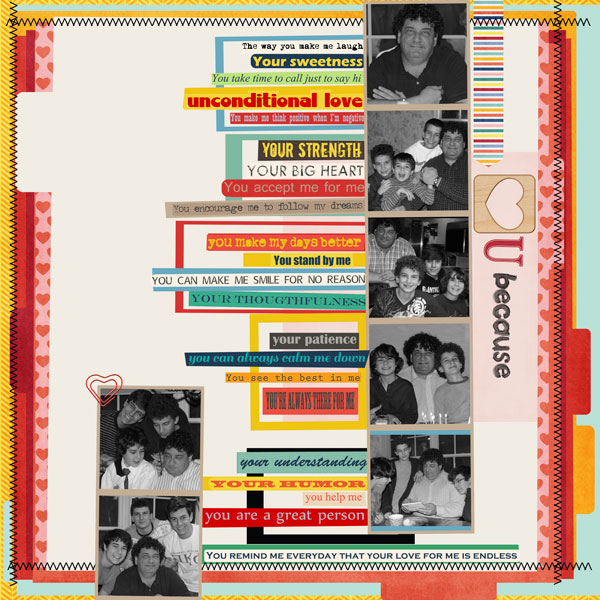
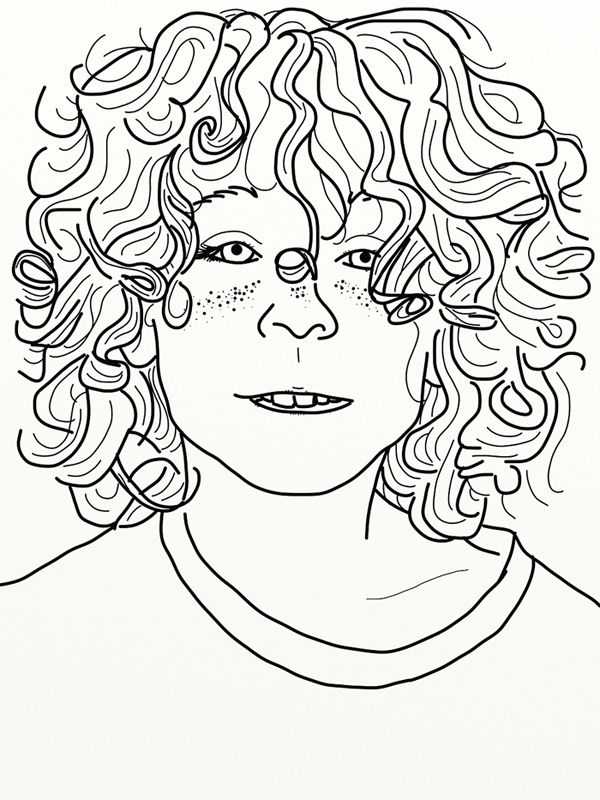
Me? I drew mine. In the original he has a huge hulking fake mustache on and it didn't go with what I wanted to do, but I loved the rest of the picture... so I improvised. lol
DSCN3613copyb_zps98b48e41.jpg
 
Me? I drew mine. In the original he has a huge hulking fake mustache on and it didn't go with what I wanted to do, but I loved the rest of the picture... so I improvised. lol

Me draw? totally not happening. Guess I'm going to blending the heck out of some stuff :)
 
So can someone tell me how to do the text to follow the page and maybe Trish will enlighten me on how she did her picture... Please :)

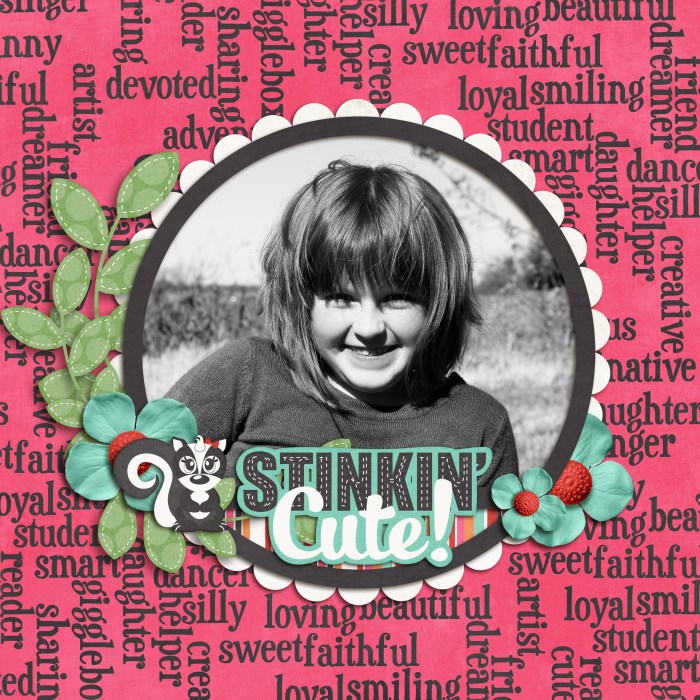
If you're asking how to do a typography portrait, I learned the technique in a class called Art of Journaling, taught by Amanda Taylor at Scrapaneers. If you want a more general tutorial on different ways to incorporate fonts into your page, check out this one by Alexis: How I Play with Fonts.

Have fun - I can't wait to see what you create. :)
 
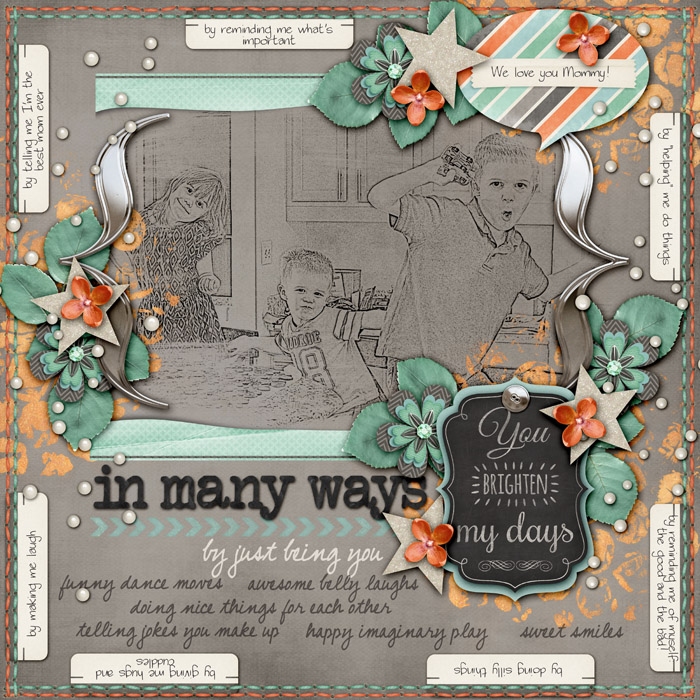
There is so much amazingness in this thread. I want to join in but wow... there are so many great takes on this challenge. Here's my attempt at it :)
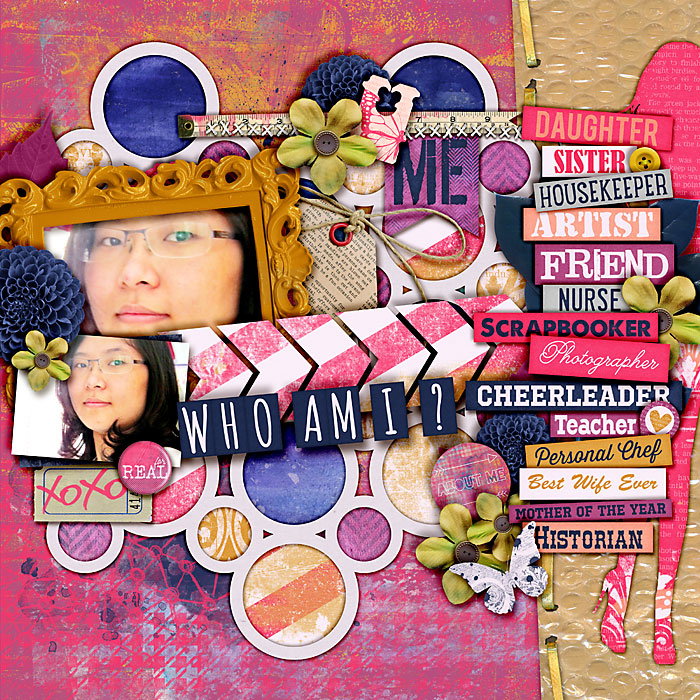
InManyWays700.jpg
 
Surprise

Mar. 2

We surprised her with a Disneyland vacation. She had no idea until we were driving in front of the park and she saw the Tower of Terror. The picture was taken in the hotel lobby when we were checking in and she realized we were staying for more than a day. A fun surprise!
 
Me draw? totally not happening. Guess I'm going to blending the heck out of some stuff :)

You can also try using the filters rather than just blending. The text didn't give enough definition to my photo so on a layer underneath I used a sketch or maybe it was the photocopy filter?? To get an outline of the picture, no drawing here unless you want to see stick figures LOL. Wish I was as talented as Trish though!
 
I am TOTALLY impressed with each and EVERY layout in this thread! What an incredible job you've all done with this challenge!
 
Back
Top