May 2020: Passport FAQ

lingovise

Sweet Shoppe SugarBabe
49839949141_4158338e81_b.jpg


If you have any questions regarding THIS month's Passport challenges, please post them here.

We have a wonderful team and community here at SSD....
so someone is sure to get back to you ASAP with answers to anything and everything related to our Passport Challenge System!

Here is a list of this month's challenge prompts for easy reference:

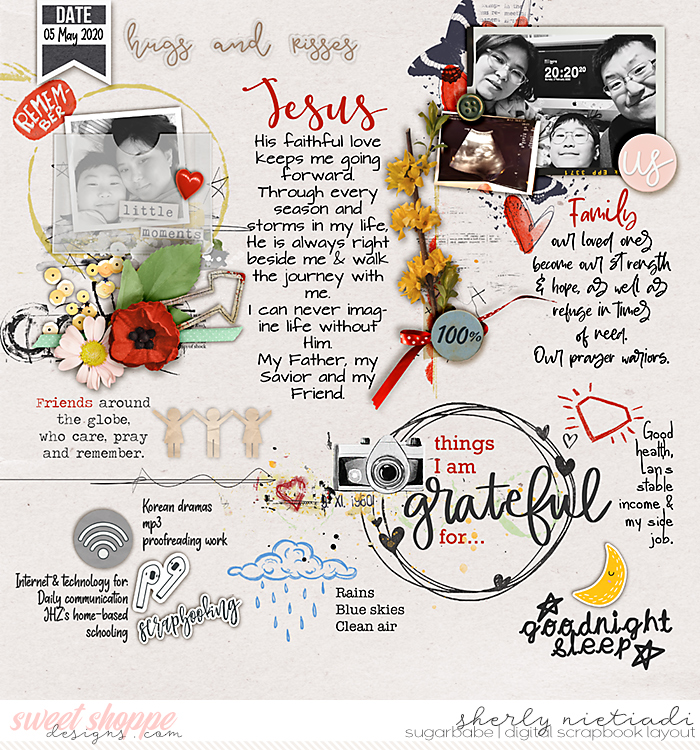
#1. One Little Word : Remembrance
You can use this word as/in your title work, within your journaling, or simply let it inspire the direction of your layout.

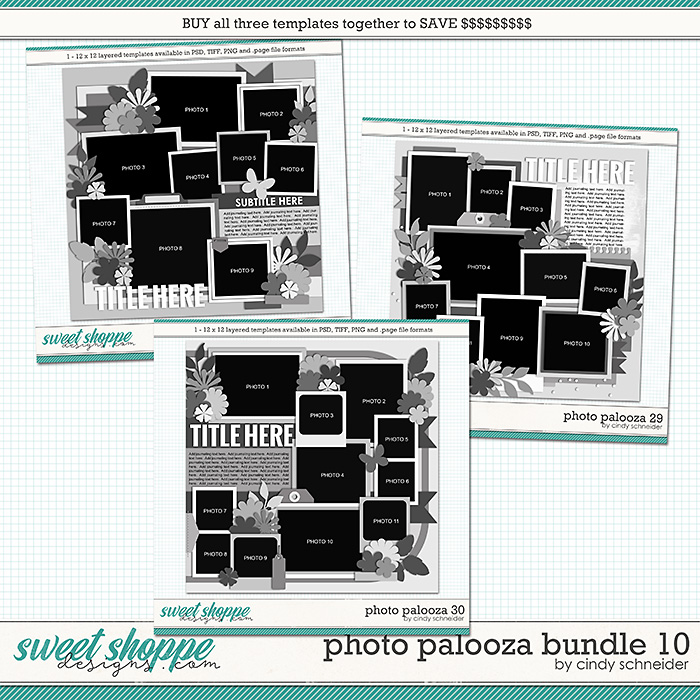
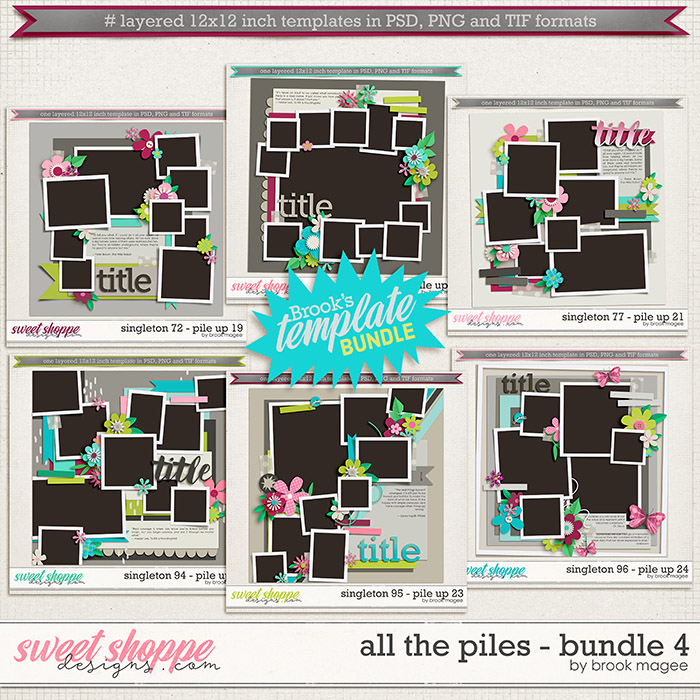
#2. Product : Piled Photos
Scrap a page featuring loads of piled photos.
bmagee-allthepiles_bundle4-72.jpg


cschneider-ppbundle10-prev.jpg


#3. Featured : Ru + Crystal + Grace
Our featured designer articles have been expanded since we started our alphabet inspired series, and are showcased on the blog each time a new designer goes into the spotlight. Your challenge is to use any solo product from one of our featured designers this month PLUS discover something from either Ru, Crystal, or Grace's interviews this month to use as inspiration for a layout, be sure to tell us what inspired you in your gallery comments!

The following are a few ideas on how you may glean inspiration from a FD interview... Using this interview with Meg [featured in December] ... You might be inspired by the red and white cookie jars in her kitchen to scrap a red & white layout. Maybe you'd like to include the quote she shared “The Best Thing About Memories Is Making Them” on your page, maybe you were inspired by the letter “G” to scrap your own OLW starting with the letter G... or perhaps you might simply want to lift one of the layouts created by the Babes to show off the FD freebie. It’s totally up to YOU to decide how you'd want to be loosely inspired by one of our FD blog posts.

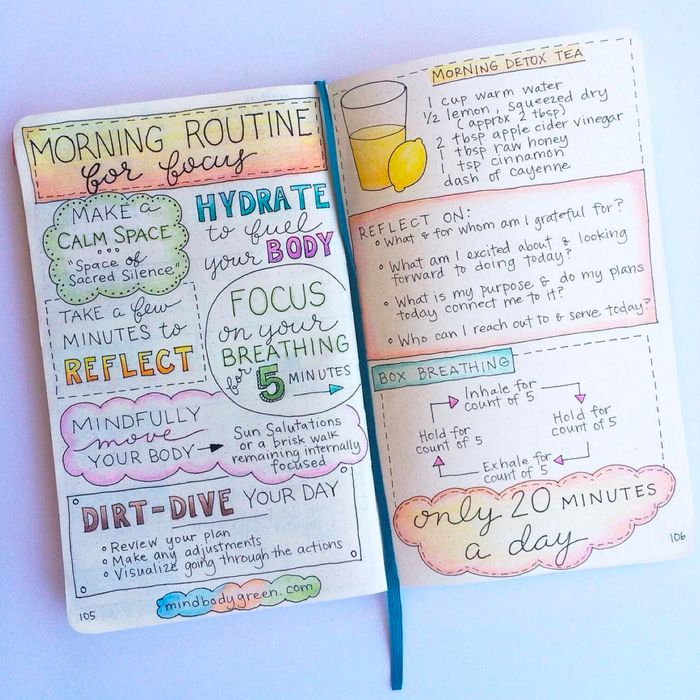
#4. Inspired By : Memory Journals
Let the designs and conceptual layouts of memory journals inspire your page.
IMG_5725.png


b9e47d1a560970ce468f0497d6c68f2096-08-bullet-journal.rsquare.w700.jpg


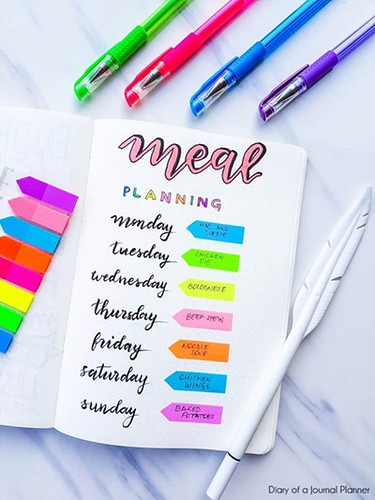
#5. List : Weekly Plan (Sun-Sat)
Scrap a list of your memories from the week... think activities, schedules or meal planning, etc.
49839173231_4ea4803d2a.jpg


#6. Leaving Love :
Leave love on 15 layouts in the gallery and then post the link to each in your tracker thread.
Create your own place marker by using your favorite layout you've left love for during the month to "hold" that spot on your card ♥
Right click on a page in the gallery and save... follow by resizing this saved image to 97 X 97 before adding it to your Passport tracker image.

#7. Photography : Polarizing Filters
Run your photo(s) through your favorite polarizing filter and feature it/them on your page.
top-ten-photography-tips-4.jpg


#8. Quote : A Good Life is a Collection of Happy Memories
You can creatively incorporate quotes into your page as titles, using journal cards or including the quote within your journaling.
49838632788_44858ebca9_z.jpg


#9. Seasonal : Celebrate National Gifts from the Garden Month
Create a page that uses heaps of florals... be they floral print patterned papers or flower elements!

#10. Typography : Better Memories Font
Download and use this font on one of your layouts this month.

#11. Wild Card : Scrap anything you'd like for this challenge ♥

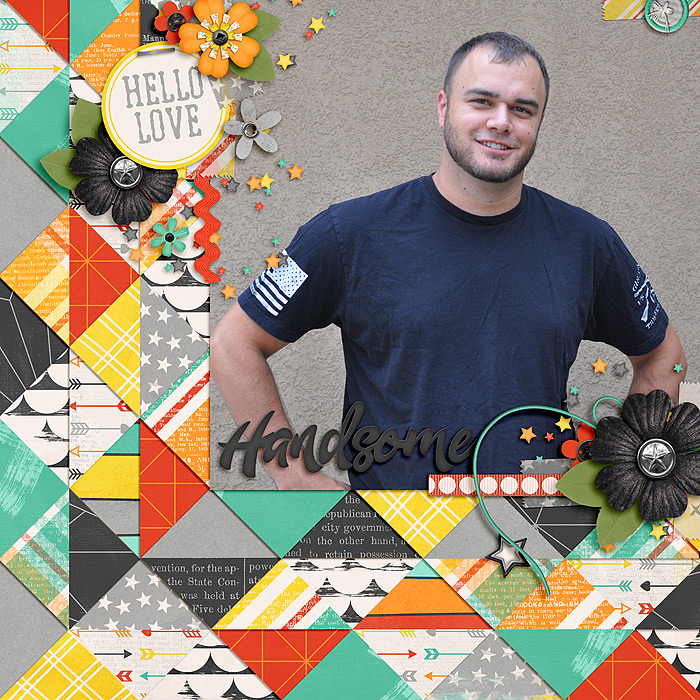
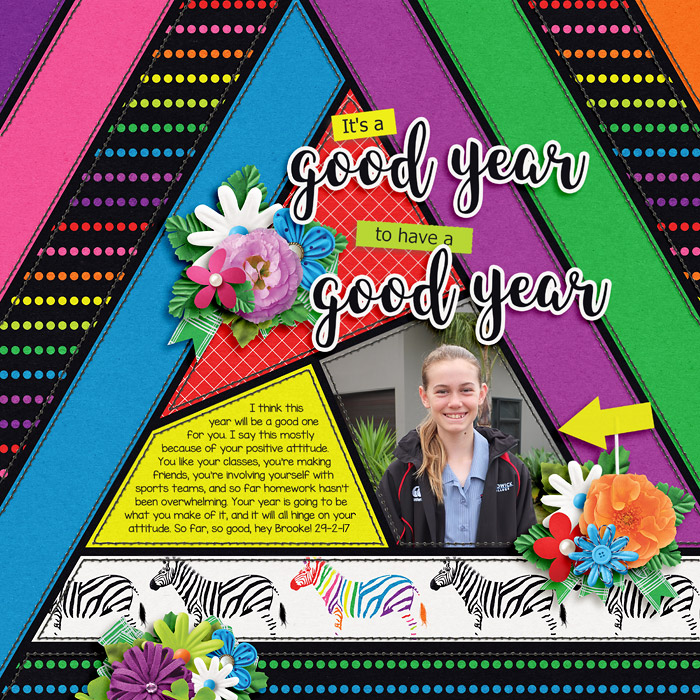
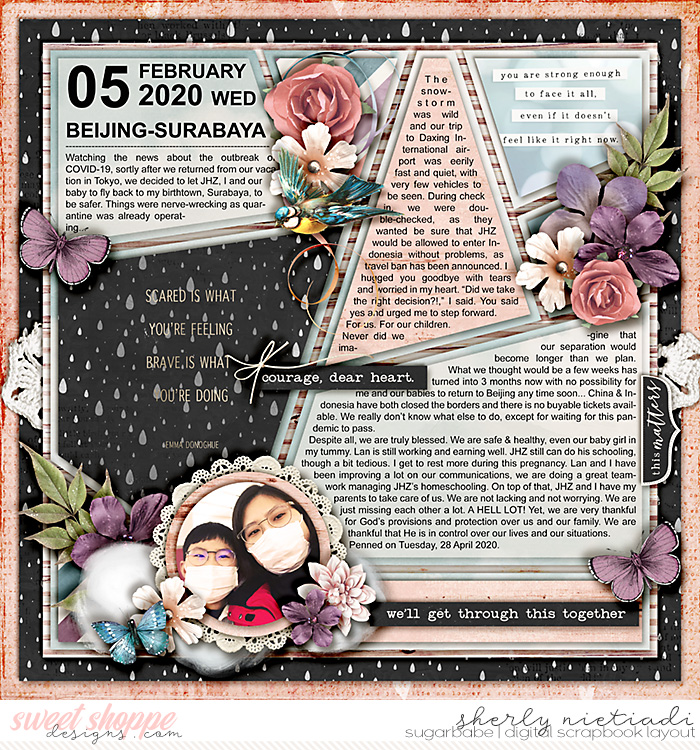
#12. Composition : Pieced Backgrounds
Use lots of paper pieces to create a colorful background.
200205_sj_valid-copy.jpg


Duo41_Cassie-d30d2673ad.jpg


jacinda-10670a8606.jpg


#13. Journal : Earliest Childhood Memories
Interview one of your kids and ask them what their earliest memories are and then scrap their answers.

#14. Currently : Collecting...

#15. Color : Scrap with this month’s color swatch.
It should be obvious that the page you've created was inspired by the colors featured in the swatch image posted below.
** You don’t necessarily have to use all of the colors shown [use 2, or 3, or all 5] **
49838615773_95bff54910.jpg


#16. Pop Culture : Binge-Worthy TV
Scrap a page that captures any and all of the binge-worthy TV series that you & your family are enjoying.

#17. Details : Papercut Butterflies
Create a page that features loads of fun papercut butterflies!

49838615803_faeab92dd4_c.jpg


49839457972_75d500cb00_c.jpg


49838615838_77f161d6a6_c.jpg


#18. Scraplift : Hosted on the Blog
On the first Sunday of each month, Sugarbabe Kim E. will host an inspiring Scraplift Challenge on the SSD Blog.
You have the entire month to play along and complete your page.

To keep in mind while you're scrapping...
These prompts are written and created with fairly broad themes/concepts in mind and I think that personal interpretation is key. You can certainly approach a prompt literally, or I encourage you to think about it in a different way ... take a creative approach on ways to apply prompts so that they'll work for you and your family.
 
Last edited:
"#7. Photography : Polarizing Filters
Run your photo(s) through your favorite polarizing filter and feature it/them on your page."


I´m a little lost here...Can anyone help me out on this one?


#7. Photography : Polarizing Filters
Run your photo(s) through your favorite polarizing filter and feature it/them on your page.
top-ten-photography-tips-4.jpg


How do we polarize photos in photoshop?
I did a Google search and the only thing I can find it turning photos black and white.

Is there a trick to doing this challenge? I normally use RadLab, but they don't have a polarizing feature. I also let my LR subscription expire so I don't have access to that program.​
 
Loni, one question totally NON-RELATED to this month's challenges - what is the paperclip alpha that you use to scrap every month challenge card? I can't seem to find it in the store
 
About the polarizing filter, I have asked Loni to explain further to you guys, so please be patient, she'll surely pop in soon :)
 
About the polarizing filter, I have asked Loni to explain further to you guys, so please be patient, she'll surely pop in soon :)

I've not used a polarising filter either, and some of the steps I googled can take a long time, but here's one that seems straight forward. Would this work Loni?

https://www.flickr.com/photos/ayushbhandari/5930331457

[1] Take the image you want to polarize and duplicate it using Ctrl+J (Windows) or Cmd+J (Mac)

[2] On the *duplicate* layer, change the blending mode to *Luminosity*

[3] Open the Saturation palette using Ctrl+U (Windows) or Cmd+U (Mac) and see the polarizing effect immediately! Tweak the Saturation and Lightness parameters to get the kind of precision you want.
 
I'm sorry if the photography prompt has caused any confusion.

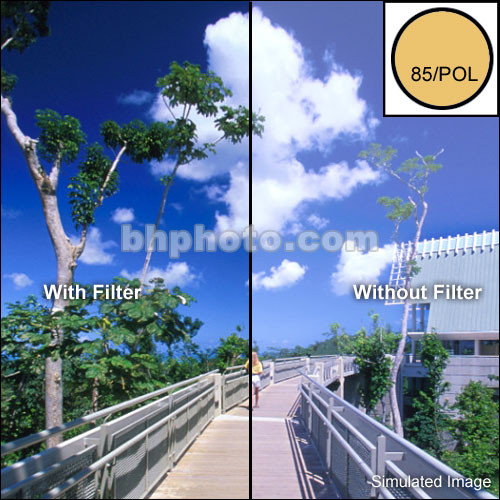
Basically polarizing filters help to reduce reflections from water as well as metal and glass; they improve the colors of the sky and foliage [usually by darkening their saturation] and will help give your photos the WOW factor.

Nearly all photo apps now come equipped with a polarization filter function... but if you don't have one, it's really not that big of a deal. Just pick something that gives a similar effect. It's simply about enhancing photos by reducing glare, sharpening details, and darkening colors.

Here's a few more side by side example of what effects a polarization filter has on a photo:
1232863628_367143.jpg


Without Filter......................................With Filter
500px-CircularPolarizer.jpg


Does that help you guys to see/visualize the difference? I do most of my photo editing on my phone using apps [there are sooo many fantastic freebies!]... but if you don't work that way, or you don't have an app that offers a polarization function just go ahead & edit your photos like you normally would, trying to shoot for similar results. I think Jacinda's tips above would make that approach easy. Sound good? Please let me know if you still have any other questions.
 
Last edited:
Papercut butterflies... Nearly every kit has a butterfly element that you can easily use as a shape to clip various other papers to.

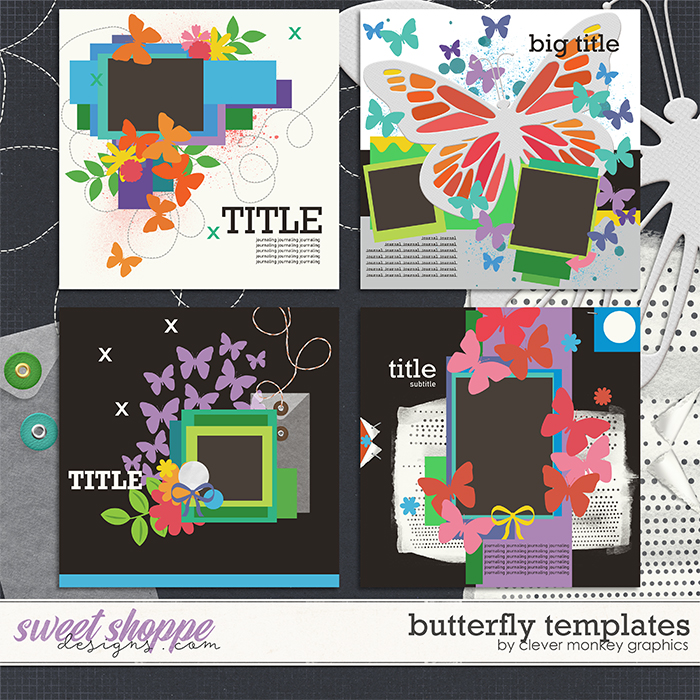
Clever Monkey Graphics also has this really fun butterfly template set:
 
Loni, one question totally NON-RELATED to this month's challenges - what is the paperclip alpha that you use to scrap every month challenge card? I can't seem to find it in the store

I'm glad someone already hooked you up, Wendy. I love that alpha soooo much!!
I also provide a link to it every month within the main Passport thread, directly under the challenge image ♥
 
I'm sure these have been asked a million times but I've never participated before so I don't know the answers...do we need to upload our layouts to the gallery to count for the challenge, or can they be uploaded off-server and shared that way? And how strict is crediting taken for the monthly Passport? I'm not always the greatest at keeping track of exactly who and what I'm using lol. And finally, do we have to post layouts in the share thread for them to count, or is turning in our finished "card" at the end enough?
 
I'm sure these have been asked a million times but I've never participated before so I don't know the answers...do we need to upload our layouts to the gallery to count for the challenge, or can they be uploaded off-server and shared that way? And how strict is crediting taken for the monthly Passport? I'm not always the greatest at keeping track of exactly who and what I'm using lol. And finally, do we have to post layouts in the share thread for them to count, or is turning in our finished "card" at the end enough?

Yes, upload your layouts to the gallery, and credit your kits. You don't have to list every item, but we must be able to tell that you've used a majority of SSD products, so just the kit name and designer is fine.

As for the share thread, that's just to give others inspiration, so it's not compulsory. As long as you turn in your completed card, and your layouts are in your gallery, you're all good. The rules in the May Passport post state: "Reply to this thread by Midnight EST, May 31st with an image of your completed passport to earn your sweet stuff! Be sure to include any comments, gallery love lists, etc. in your post if the challenge asks for them."

Loni, correct me if I'm wrong.
 
Thanks so much!

To clarify one more thing, on comments and gallery love, do I need to copy those into the thread, can I link to them, or do those usually go on a good-faith-don't-abuse-it thing?
 
What Jacinda said is correct. As for the share thread, it's also giving you a chance to win a $10 coupon at the end of the month if your layout is picked to be an out of the box layout. :)
Yes, upload your layouts to the gallery, and credit your kits. You don't have to list every item, but we must be able to tell that you've used a majority of SSD products, so just the kit name and designer is fine.

As for the share thread, that's just to give others inspiration, so it's not compulsory. As long as you turn in your completed card, and your layouts are in your gallery, you're all good. The rules in the May Passport post state: "Reply to this thread by Midnight EST, May 31st with an image of your completed passport to earn your sweet stuff! Be sure to include any comments, gallery love lists, etc. in your post if the challenge asks for them."

Loni, correct me if I'm wrong.
 
You can copy the links and paste it on your spot in the thread., like this one here.

Thanks so much!

To clarify one more thing, on comments and gallery love, do I need to copy those into the thread, can I link to them, or do those usually go on a good-faith-don't-abuse-it thing?
 
I'm glad someone already hooked you up, Wendy. I love that alpha soooo much!!
I also provide a link to it every month within the main Passport thread, directly under the challenge image ♥

I thought you did and I figured I'd come back to it later. But when I went to find it, I couldn't! :D I also realized I was looking in the FAQ for the information and not the original thread.

Also thank you for the description of polarizing! I appreciate it!
 
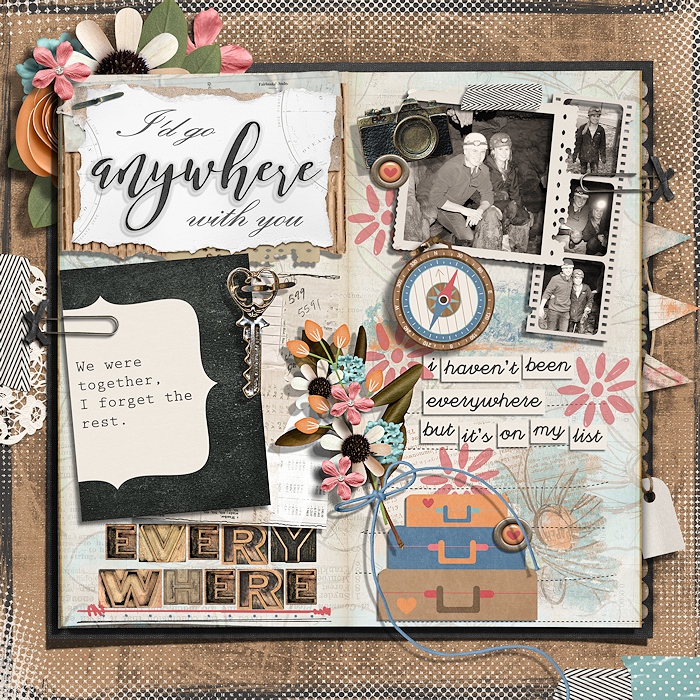
I need a little help with the memory journal concept. Any example layouts?

Would this be like the concept? Found this in the gallery.
oX23Mup%20-%20Imgur-519d6aff51.jpg
 
Last edited:
For Currently... collecting
Right now I'm collecting hair as in no hair cuts - would that be ok for this topic?
 
Back
Top