March 2018 - Bingo FAQ

lingovise

Sweet Shoppe SugarBabe
f you have any questions regarding THIS month's Bingo challenges, please post them here.

We have a wonderful team and community here at SSD....
so someone is sure to get back to you ASAP with answers to anything and everything related to our Challenge Bingo system!

Here is this month's card for easy reference:
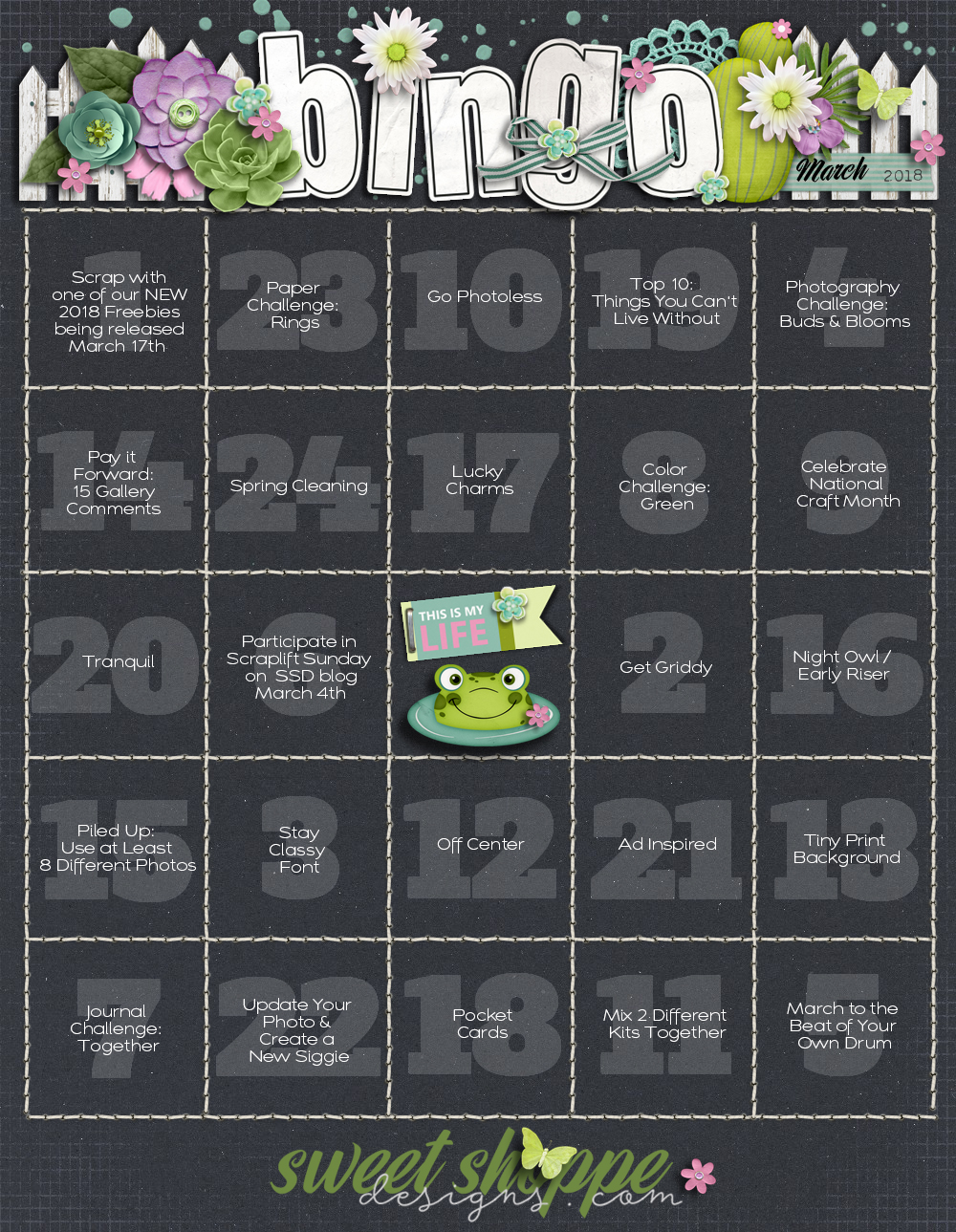
2018_March.jpg
 
Here's a bit of extra information on a few of the prompts that might help you get started :

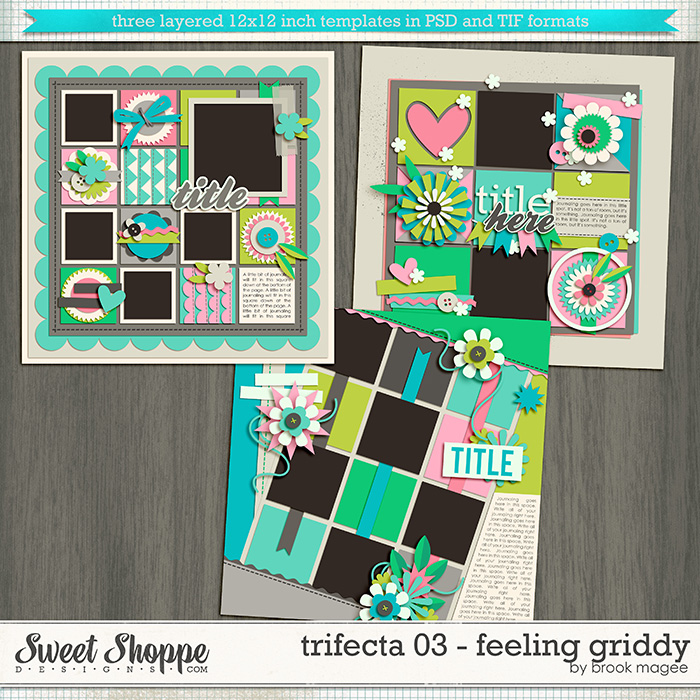
#2: Get Griddy...
Create a page that is laid out in grid pattern.

#3: Stay Classy Font...
Click on the image below to download the font and then use it on your page.


#6: Participate in the SSD Blog Scraplift posted on March 4th...
On the first Sunday of each month, Sugarbabe Kim B. hosts a Scraplift challenge on the SSD Blog.
You have the entire month to play along and complete your page.

#14: Pay it Forward - Leave Love on 15 Gallery Pages...
You leave love on 15 layouts in the gallery and then post the link to each in your tracker thread.
Use the place marker below to "hold" that spot on your card ♥
First, click on the image below ... then right click that image and save as a .png file.


#21: Ad Inspired...
Draw inspiration from an advertisement and create a page that mimics it's design layout.

#22: Update Your Photo & Create a New Siggie...
This one is super easy... all you need to do is update the photo you use in the forum and create a new forum signature ♥

#23: Paper Challenge - Rings...
Create a page using ring paper shapes... rings are circles with a hole in the middle :D
 
What's "March to the beat of your own drum"...like, create a page in one's own style, that's in our comfort zone?
 
What's "March to the beat of your own drum"...like, create a page in one's own style, that's in our comfort zone?

I think that's totally fine!
Or... you could scrap a page about staying up late if you're a night owl or a page about a sunrise if you're a morning person. Follow your own rythm.
 
#22 - I never show my photo online and this has been my avatar since I started scrapping back in the day; it's how I know it's me! :D What can I do for that prompt (should I actually get blackout this month) for it to count? I'll do my siggy, because mine disappeared and I don't know where it went!
 
It says update your photo, but it doesn't say it has to be a photo of yourself so I think you can use any photo. Not 100% sure though.
 
It says update your photo, but it doesn't say it has to be a photo of yourself so I think you can use any photo. Not 100% sure though.

I changed it. I'll swap it out at the end of the month. I'm going to scroll wondering where my posts are with a new avatar and siggy! :w00t:

lost_marbles-kit111111111111.gif
 
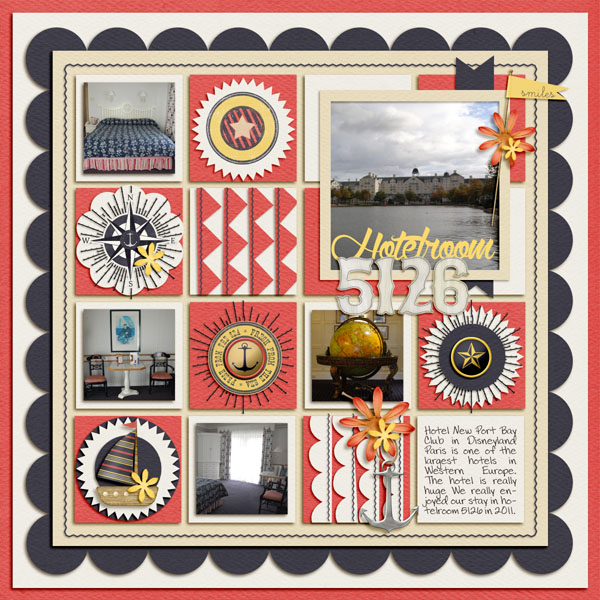
It can be a regular one as well. It doesn't have to be a pocket page.
Here's an old layout I made with templates from Brook that's not a pocket page.


It can be a regular one as well. It doesn't have to be a pocket page.
Here's an old layout I made with templates from Brook that's not a pocket page.

That's what I thought, but I wasn't 100% certain. My head isn't quite back to it's normal self. While I'm trying to mentally prepare for this month, I want to make sure I'm on the same page and not doing something terribly wrong--just until I get back to my old self again! :thumbup:
 
The photo doesn't need to be a permanent change. You can change it back next month. As for the siggie. It just says to create a new siggie. It doesn't say you have to use it in your posts. You could create one for someone else, or create one for yourself and just post it in the gallery.
 

I do not believe SSD has a size limit for siggies. With that said, you don't want something TOO big. My first time making a siggy here, I went and checked sizes of people's siggies to get an idea for my own. Now I try to keep mine roughly 500X250 because that size works for me.

How I make them? I generally take my ideal size (see above) and triple that amount when creating a canvas. So I'll create a new canvas at 1500x750 and then I build my siggy. Your shadows aren't going to be as long since it's smaller. Once I'm done, I merge all the layers together and then resize to the original size I'm aiming. After that's done, save as a png and upload to a photo hosting site (I use an "only me" album on Facebook) and then go in to your signature area, adding the siggy there.

Do you need help (walk through), adding a siggy to your name?
 
thanks so much. Ill give it a go. I I remember its just like posting a pic in the forum right but its in edit signature? If so then I am good. :thumbup:
 
Thanks for helping in answering Tanyia's question, Wendy!
I can't wait to see all of the new siggies and avatars ;)
 
for buds and blooms can I do a page about watching one of my kids bloom? I literally have nothing blooming or budding. I"m highly allergic to flowers and avoid them at all costs :D

Also, for tiny print background does that mean the background pages that have little bits of small text? or maybe a small pattern (like small dots)?
 
for buds and blooms can I do a page about watching one of my kids bloom? I literally have nothing blooming or budding. I"m highly allergic to flowers and avoid them at all costs :D

Yes, that's totally ok :)

Also, for tiny print background does that mean the background pages that have little bits of small text? or maybe a small pattern (like small dots)?
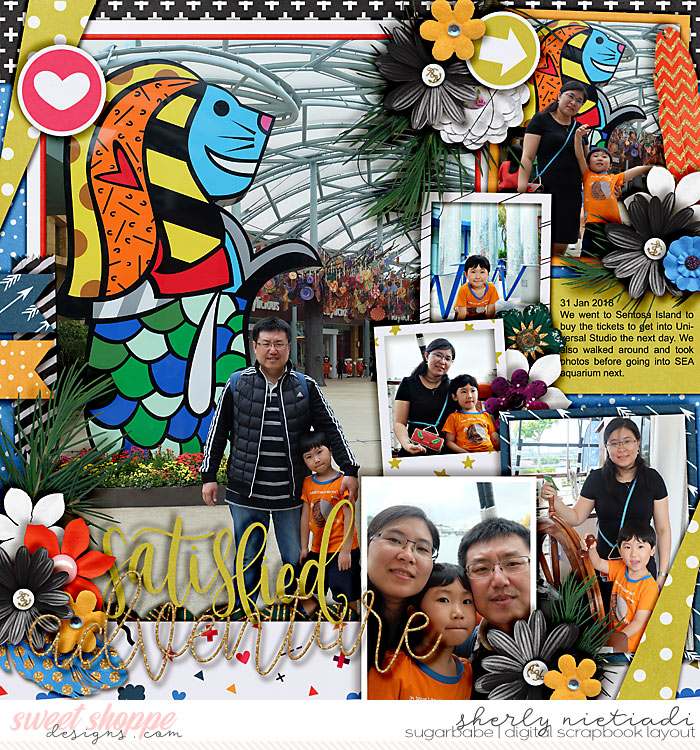
Small busy patterns, Adi, like what I've used here (white papers with lots of geometric shapes at the bottom, blue dots background):

 
Last edited:
That's what I thought, but I wasn't 100% certain. My head isn't quite back to it's normal self. While I'm trying to mentally prepare for this month, I want to make sure I'm on the same page and not doing something terribly wrong--just until I get back to my old self again! :thumbup:

Hope you feel "back to normal" soon. Hugs.
 
The photo doesn't need to be a permanent change. You can change it back next month. As for the siggie. It just says to create a new siggie. It doesn't say you have to use it in your posts. You could create one for someone else, or create one for yourself and just post it in the gallery.
ooh great idea!
 
For the new siggie and pic - do we have to post somewhere to account for it? Like put the siggie in the gallery? But what about the picture? I changed my pic right now and am working on the siggie as I type.

Thanks! :-)
 
hello, I am trying to get back into scraping. I was wondering if I can use kits that are no longer in your store but the designer is...
 
hello, I am trying to get back into scraping. I was wondering if I can use kits that are no longer in your store but the designer is...

Welcome back to scrapping! Yes! You can definitely use the kits if the designer is still a designer here. :)

Sent from my SM-G920V using Tapatalk
 
For the new siggie and pic - do we have to post somewhere to account for it? Like put the siggie in the gallery? But what about the picture? I changed my pic right now and am working on the siggie as I type.

Thanks! :-)
Is there anything specific we need to do to cover the square for avi and siggie?

Just put your photo/siggie on the corresponding bingo square on your card.
 
So we update both and put both images in the same square?

Also, checking to make sure both changes worked.
 
Last edited:
Back
Top