1. You could put a spotlight on them by framing them within a circle that is lighter than the rest of the photo.
2. You could use an arrow to point to them.
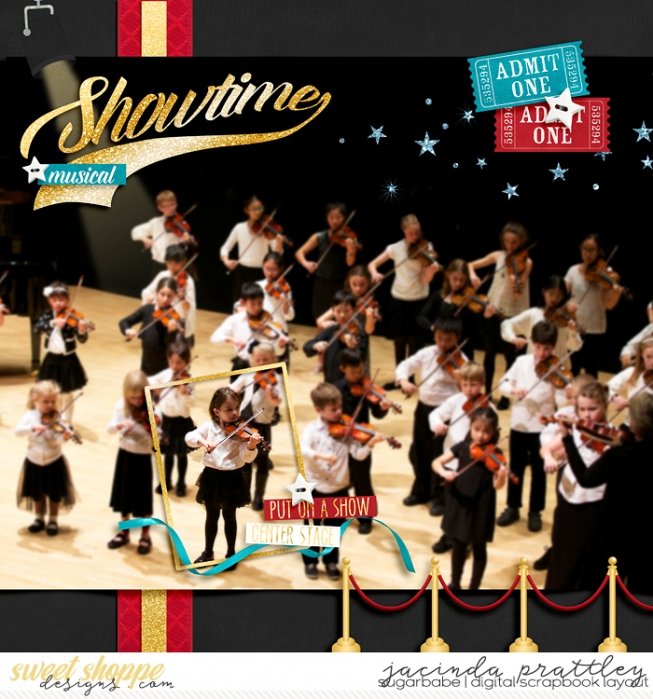
3. You could also blow them up; make it like a close up of them on top of the regular photo at the original size.
Another thing (in addition to those already posted)- I'll add a blur to the whole group and then mask out my kid so that they are the only one in focus!
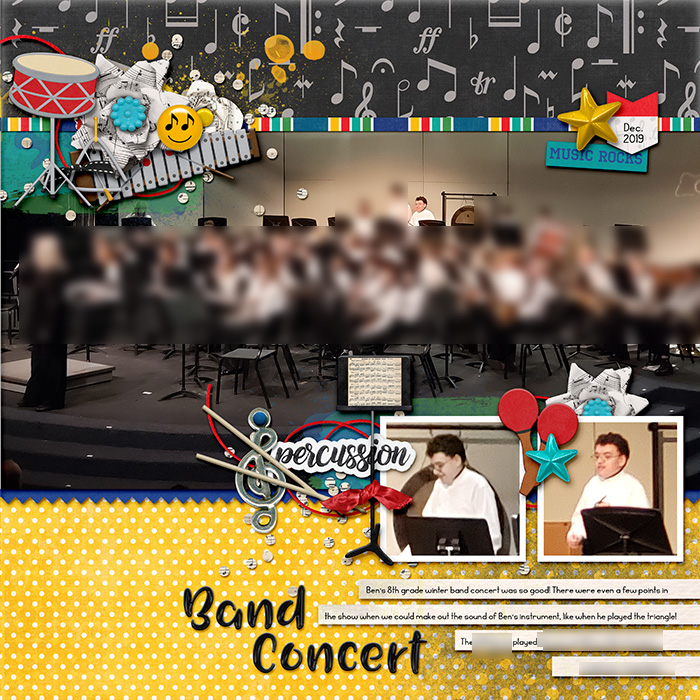
My favorite way is to use a photo of the whole group and then a close up of my child. (This example is a little misleading because I blurred all the other band kids out for privacy before I posted it online.)
I think I've done the arrow if my kids are around the outside of the group and I can do it without covering anyone else up, and I've also said something like, "See the middle of the second row for Lauren." I take the approach that even if the other kids are not part of my memory, they are part of my child's memories and should be left visible.
I tend to do the same as Rachel. This also allows your child to have a group photo of everyone in the band/chorus (which could be fun to look back on when they are grown up). And an idea of how BIG or small the whole group was.
Another option is to convert the photo to black-and-white, but then leave your child in color. I know, selective color is a very late-90's style, but I think for something like this it can work well.
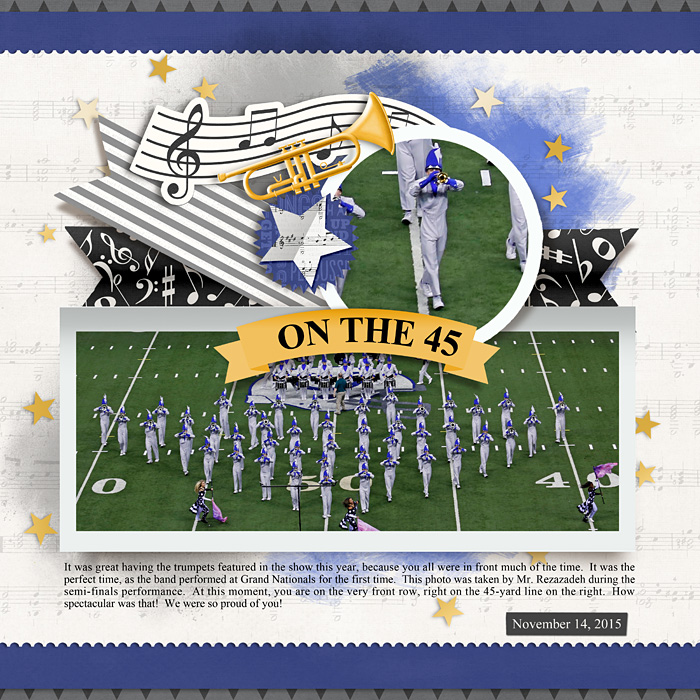
Here's what I did for one of my son's band photos. I described his position in my journaling and then did a close-up. This template by Em would be perfect for a choral photo! I've linked the layout so you can see the exact name of the template and kit. In another layout (at a different site), I used an arrow. Hope this helps!