How do you scrap technology?

YepBrook

Sweet Shoppe Designer
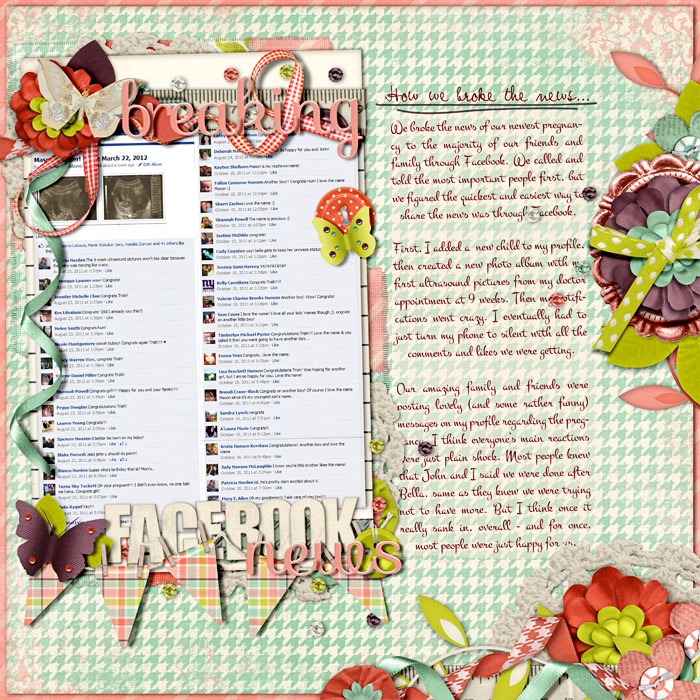
Have you ever done a layout with technology/communication as the subject or included a bit of it on your page? Like a photo or screenshot of text convos, FB updates, chats, etc. Or even just used a text message or FB status as the journaling or title of your page? If so, please share it here!

I'm scouring the gallery for some specific examples for a blog post and really having a hard time finding any... and thought it would be nice (& MUCH easier) to have you all post some of your pages for me here. ;)

For example, here's one I did with a photo of a text conversation with my DH:
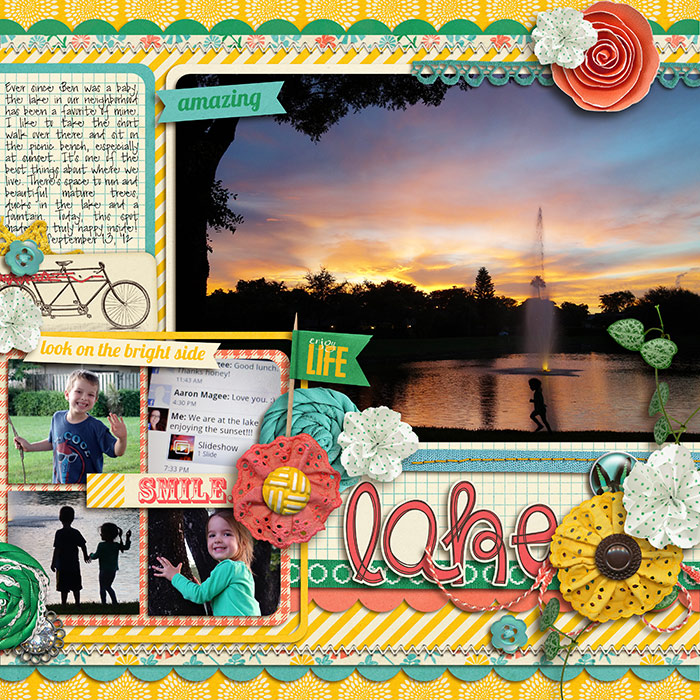
09-15-cs-HP48_WEB.jpg
 
I can't find my LO, but I did one a few years back where I took pictures of my tech devices and some random products and did a 'snapshot of life now' kind of page.

I haven't done any with convos or texting b/c I have no idea how to screenshot on my phone.....
 
On an iPhone, to take a screenshot you hold the on/off button on the top edge and then press the round function button on the face bottom. That takes a picture of it and puts it in your camera roll.
 
On an iPhone, to take a screenshot you hold the on/off button on the top edge and then press the round function button on the face bottom. That takes a picture of it and puts it in your camera roll.

NICE! ;) Thanks for sharing this tip, Mary. I wonder if anyone knows how to do this on an Android phone?
 
NICE! ;) Thanks for sharing this tip, Mary. I wonder if anyone knows how to do this on an Android phone?

Google says this: If you’re using Android 4.0 or later, this is easy. Just press and hold the Volume Down and Power buttons at the same time.

I have an iPhone so no idea if it works, but there there ya go! :D

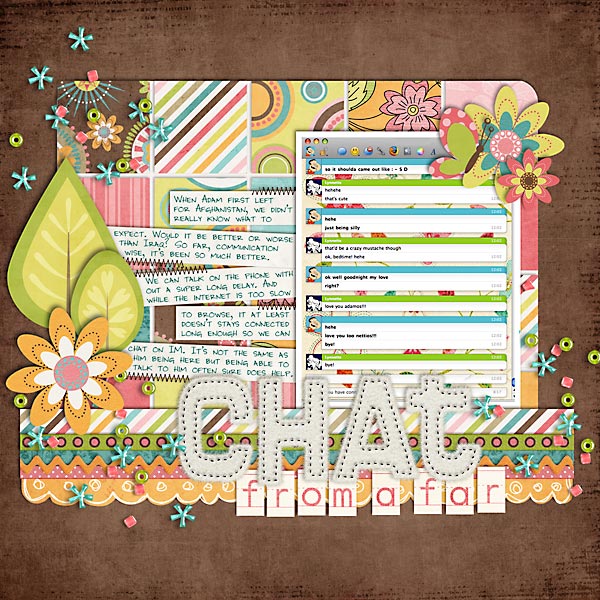
I have this really old layout using an IM chat from when Adam was deployed:

 
A bit different but I used screenshots of my C25K and Nike apps as photos for this layout-

I often work in pictures/screen shots of my books I'm reading or my weather app to my P365, but have never done a convo. Not sure why.
 
Google says this: If you’re using Android 4.0 or later, this is easy. Just press and hold the Volume Down and Power buttons at the same time.

:o I guess I could have Googled it, huh? :p LOL! Thanks, Lynnette!!! I love your page, too!
 
I have few in my PL album:

screen shot of Runkeeper app:
i-6Qvtxb4-L.jpg


This one has 3 different things. Screen shot of one of the forum, Gmail chat with DH and texts with my sister and SIL:

i-dPkfxD8-L.jpg


Screenshot of FB:

i-5PNrjJd-L.jpg


I also add screenshot of weather almost every other week.
 
My project life is also filled with screenshots of texts between me and my college age kids. It's the main means of conversation sometimes, it seems.
 
On an iPhone, to take a screenshot you hold the on/off button on the top edge and then press the round function button on the face bottom. That takes a picture of it and puts it in your camera roll.

Works for the iPad too! So excited because I was able to take a screen shot of a photo with the comments on the side. Very, VERY useful for a Project Life kind of page!
 
These are great! I never thought of using phone screen shots in a layout. I have used computer screen shots.

This would be a great idea for a portfolio challenge! :)
 
Back
Top