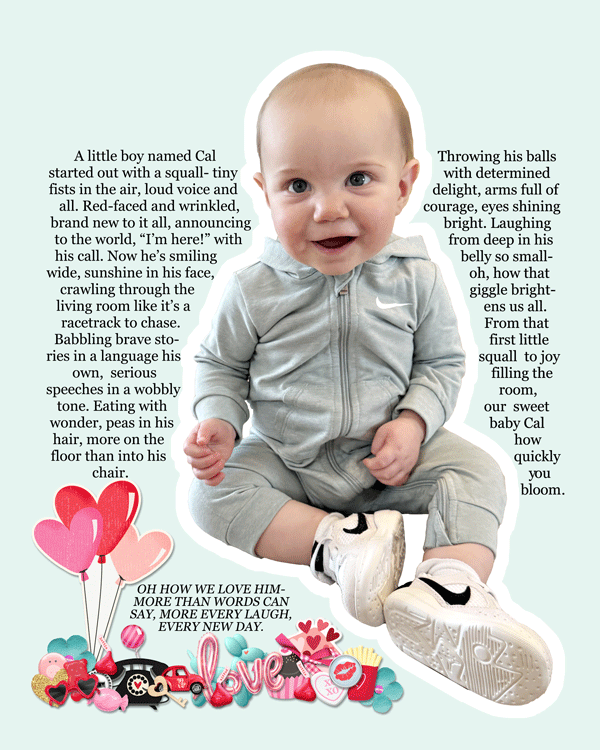
This is how I did my text to follow. After I extracted the baby, I then put marching ants (outline) around the baby. Then I - select>contracted 40 pixels to give me the white space around the baby. With marching ants still around the baby and now the white space, I -select>inverse and then I made a new layer and filled it with the greenish background color. With it still selected with the marching ants, I went into the PATH tab and made a path. I then chose the text tool and dragged the curser inside the text path to start my text.
I had trouble in the beginning because I had it in justified with the text going from side to side and on some lines there was just too much space between some words, so I changed it to center and I like it better. I hope this helps. Thank you so much
What an awesome page and what an adorable baby! I love the great photo extraction and that Cal is the star of your layout. I love reading your poetic text about sweet baby Cal and I also love your pretty cluster at the bottom!