9/22 - Scraplift

MommaTrish

Well-known member
How would you like to win one free item - of your choice, under $10 - from the store?? Well, let me tell you how.

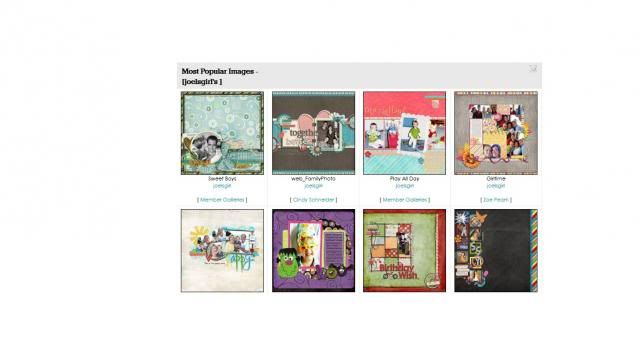
I want you to scraplift one of your top 8 popular layouts. Make sure you post your completed layout - and a screenshot of your top 8 - in this thread before next Sunday, the 29th.

Not sure how to find out your most popular layouts? Well, here's how:

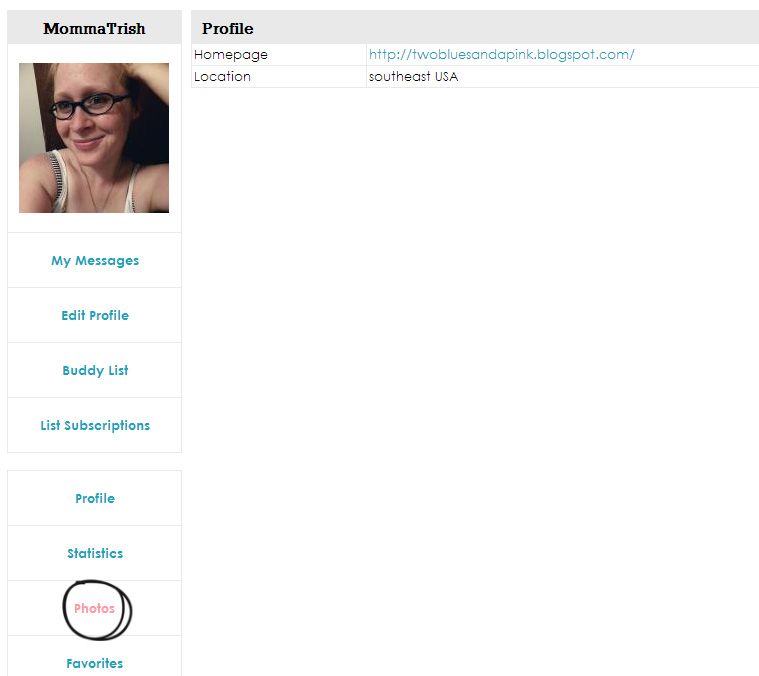
Go to the gallery and then click on "Profile."
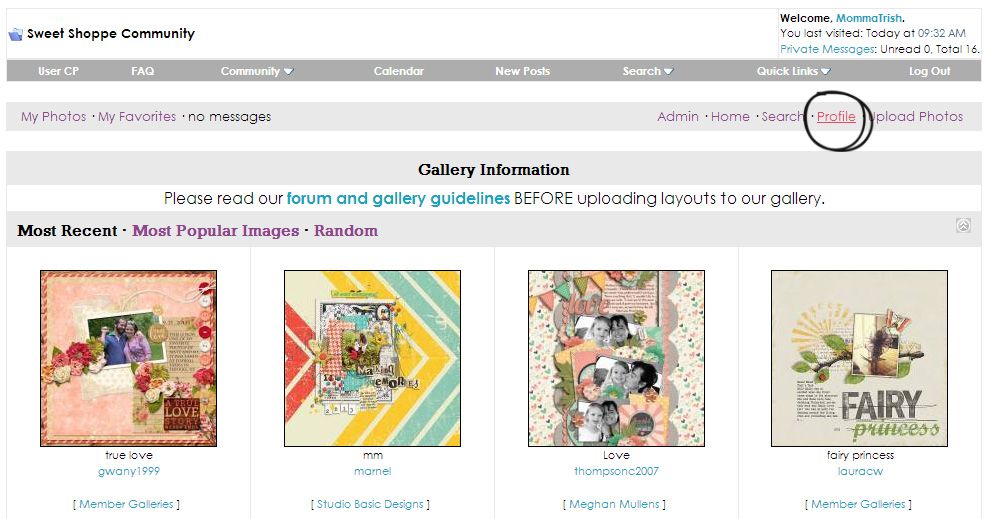
mostpopular1_zpsb016de23.jpg

Scroll down and select "Photos."
mostpopular2_zps120ff08d.jpg

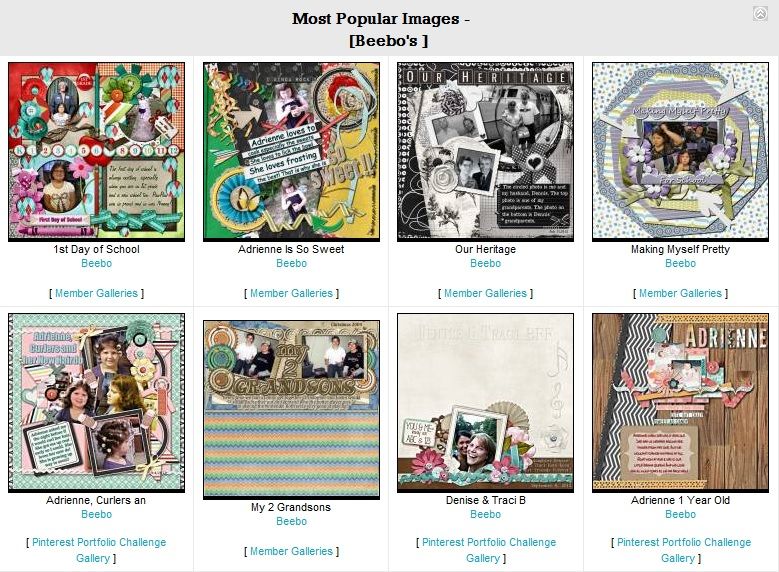
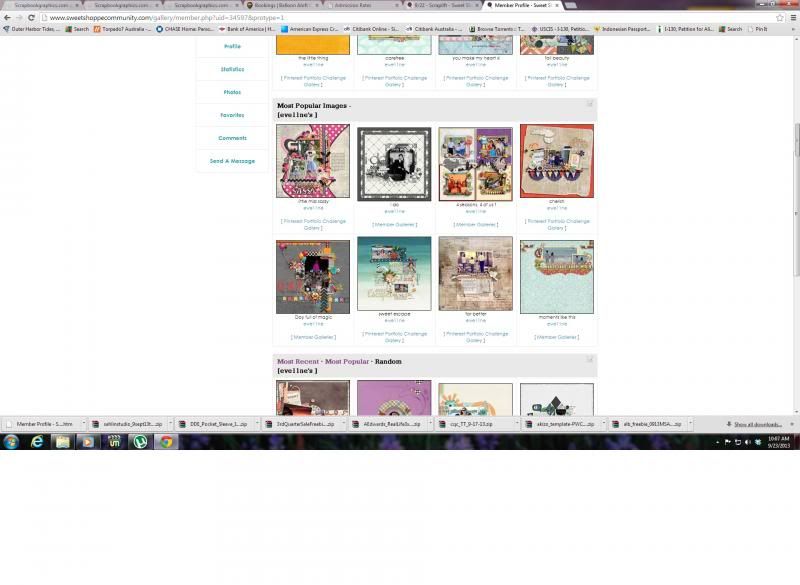
Your popular photos will be the second set that you see.
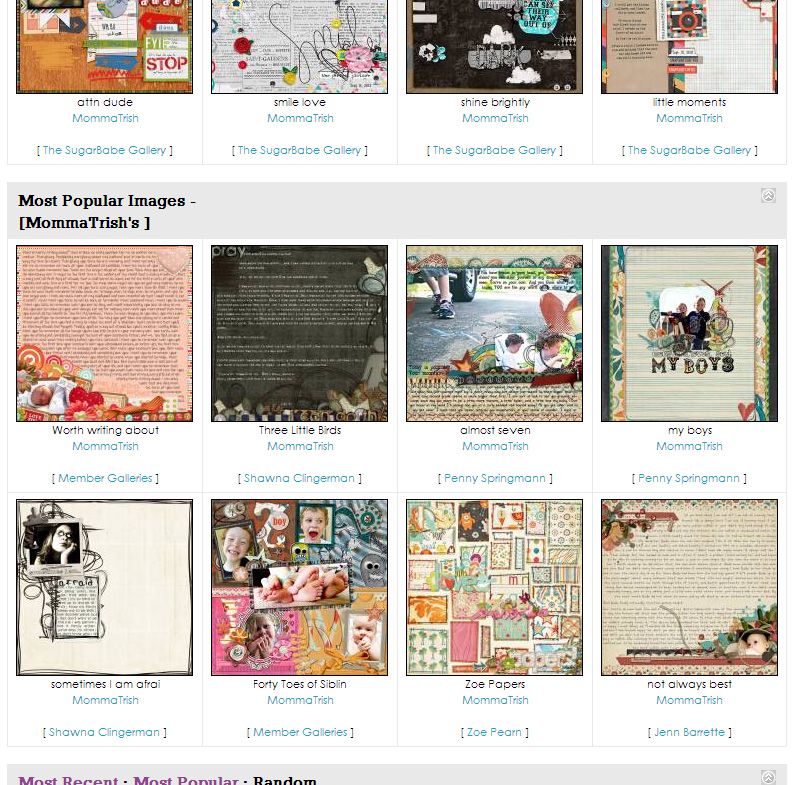
mostpopular3_zps38a2507c.jpg


*Note - Custom Font service is NOT included in possible prize choices*
 
ok how do I do a screenshot?

ok here is mine :)


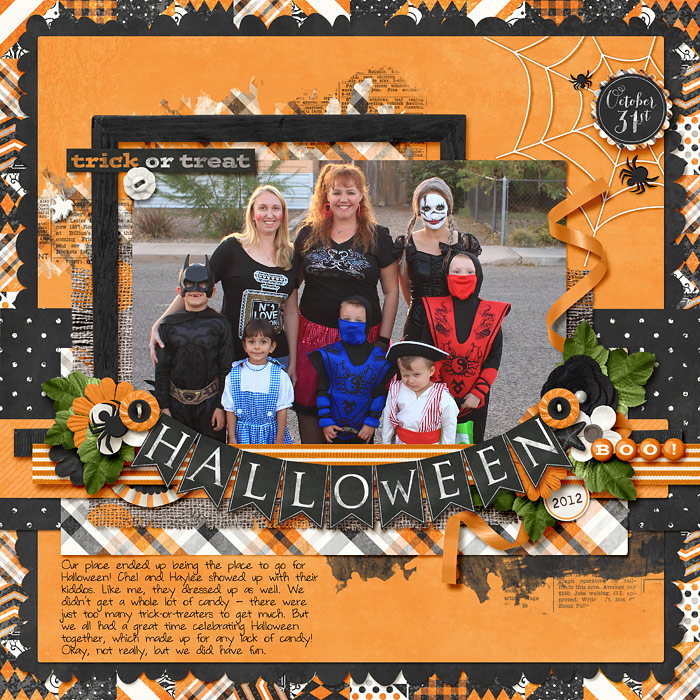
I am gonna lift this one :) from 2010
10_31_10AbbyWildWeb.jpg
 
Last edited:
Sounds fun!! Here's my top 8 :)

rhTkk9C.png


Yay got mine done (though you have to wait till sneak peeks to see it since I used a new kit). But I went with this one:


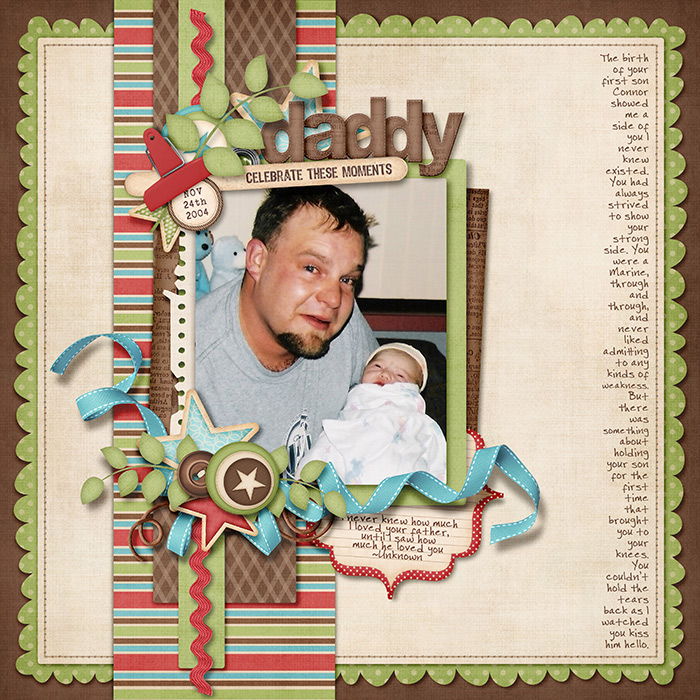
K - I can share it now. Here's my lift - I flipped it and tweaked some things :)
 
Last edited:
ok how do I do a screenshot?

You on a Mac or PC? PC I remember there was a screen shot button ... for the life of me I can't remember what it said though. I just remember pushing the button and then pasting it on a new page in Photoshop... On a Mac, I do Cmd+Shift+4 and then trace around what I want to sceenshot.
 
This isn't fair for those of us who have been posting since the gallery opened, lol. Hard to believe a couple of those qualify as "most popular"!
mostpopular.jpg
 
Half of mine are from 2010, and then the 3 that weren't from the games are early 2011. lol I keep hoping different pages will knock them out of the popular spot.
 
ooh, this is interesting, scraplift ourselves, i'm gonna try :)

my top 8 :

screenshot.jpg


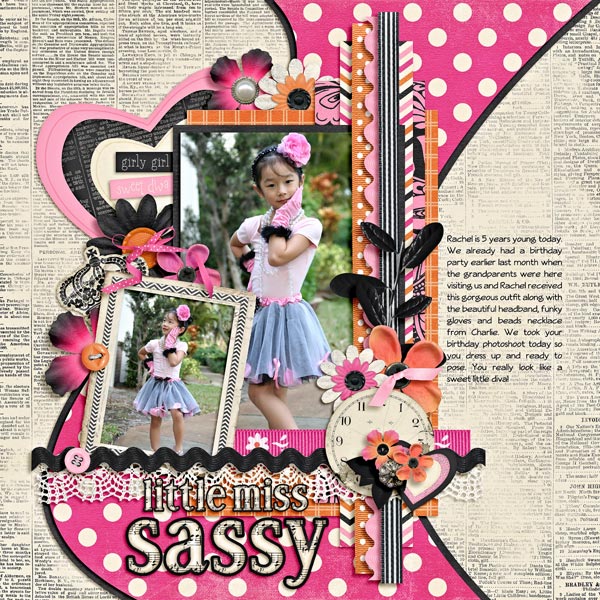
i'm lifting this :

20100324-sassy-girl-web.jpg


my lift :

 
Last edited:
This isn't fair for those of us who have been posting since the gallery opened, lol. Hard to believe a couple of those qualify as "most popular"!

Um, yeah. Take a look at my 8 most popular, LOL. Five from 2008, 2 from 2009, and one from 2011. And given how popular galleries were then compared to now, I'm guessing nothing I ever post has a shot at knocking these out of their top spot. How sad! Now, the real challenge here will be to make one of those LOs look good as a scraplift!

 
You on a Mac or PC? PC I remember there was a screen shot button ... for the life of me I can't remember what it said though. I just remember pushing the button and then pasting it on a new page in Photoshop... On a Mac, I do Cmd+Shift+4 and then trace around what I want to sceenshot.

OK, you are awesome! I didn't know that Cmd+Shift+4 trick on a Mac.

BUT, you'll have to hold my hand on pasting/inserting the screenshot into a reply too though... What's that magic? :)
 
OK, you are awesome! I didn't know that Cmd+Shift+4 trick on a Mac.

BUT, you'll have to hold my hand on pasting/inserting the screenshot into a reply too though... What's that magic? :)

I usually open Photoshop, open a new window in it and then paste.
 
I'm in!

This is my most popular's:
Untitled-1-1.jpg


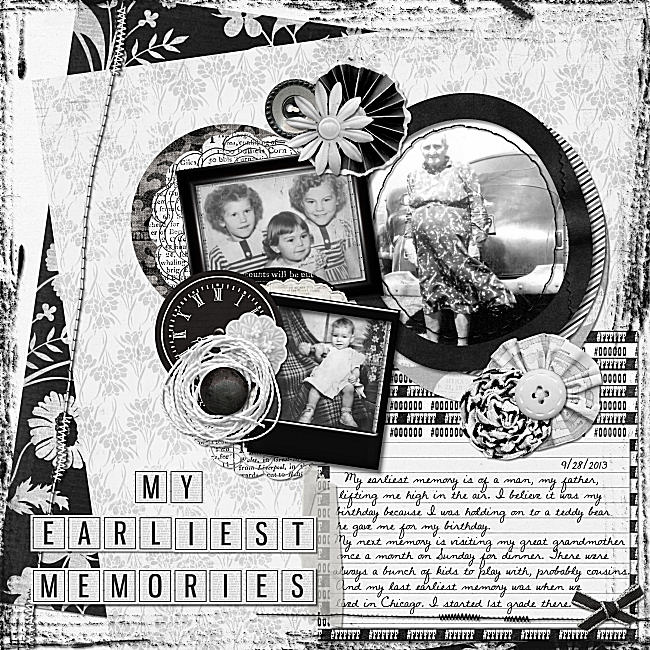
This is the one I'm going to lift!


My page:
 
Last edited:
OK, you are awesome! I didn't know that Cmd+Shift+4 trick on a Mac.

BUT, you'll have to hold my hand on pasting/inserting the screenshot into a reply too though... What's that magic? :)

Do you mean how to save the screen shot onto your computer? Cuz a Mac just does it for you.

If you mean hosting the image online - you'll have to use a photo hosting site. Photobucket, Tinypic, Imgur - those are the ones I use. Just make an account with them (TinyPic can be done without an account I believe, but don't quote me) and then upload the screen shot. And then share it here like you would any image (push the yellow mountain icon and insert the url for the image) :D
 
Do you mean how to save the screen shot onto your computer? Cuz a Mac just does it for you.

If you mean hosting the image online - you'll have to use a photo hosting site. Photobucket, Tinypic, Imgur - those are the ones I use. Just make an account with them (TinyPic can be done without an account I believe, but don't quote me) and then upload the screen shot. And then share it here like you would any image (push the yellow mountain icon and insert the url for the image) :D

Sorry! I can hear the telltale sound of the screenshot capture being taken, but I don't know how to retrieve it... Feel free to roll your eyes at me... :)
 
Mary, I think if you open a blank canvas in Photoshop and do ctrl + v it should paste the screenshot, but don't quote me on that! :-)
 
Mary, I think if you open a blank canvas in Photoshop and do ctrl + v it should paste the screenshot, but don't quote me on that! :-)

I would say this as well. If it's a Mac - it SHOULD save it somewhere. Mine saves to my desktop - but I can't remember if I set it to do that (to save to my desktop verses say my documents or something), or if it was a default setting. But yeah - you can try to paste it into a new page in Photoshop and see if that does the trick. idk :(
 
Last edited:
Sounds interesting :) Here are mine...
PRNTSCRNMostPop.jpg

Here's the one I'm lifting...
StrawberriesWEB.jpg

And the lift...
TenYearsLoveWEB.jpg
 
Last edited:
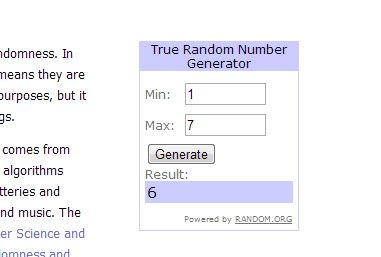
I counted them by completed pages, and the winner is
winner_zps0fad10cb.jpg

Sounds interesting :) Here are mine...
PRNTSCRNMostPop.jpg

Here's the one I'm lifting...
StrawberriesWEB.jpg

And the lift...
TenYearsLoveWEB.jpg
Kim, pick one item under $10 from the store (not counting custom font services) and PM me your pick and I'll get you a coupon for it.
 
OK, bummer for me that I misread the op and thought I had until today to post... I started this last night but crashed before finishing... Here's my lift nevertheless! :) Thanks for the challenge!

HN-2013-CO-Family.jpg


And congrats, Kim! Lovely layouts!
 
Back
Top