March 2025 - TOTB 3/5 - Tag, You're It!

Robin Carlton

Owner & Candy Keeper
Staff member
totb2025_mar5_1.jpg

totb2025_mar5_2.jpg

totb2025_mar5_3.jpg

Are you ready for your next challenge? We hope you enjoyed Challenge #1 and that you'll keep scrapping along for an easy way to earn a discount to use in the shoppe next month during Sweet Rewards week, plus a chance to win this challenge's prize from one of our sponsoring designers!

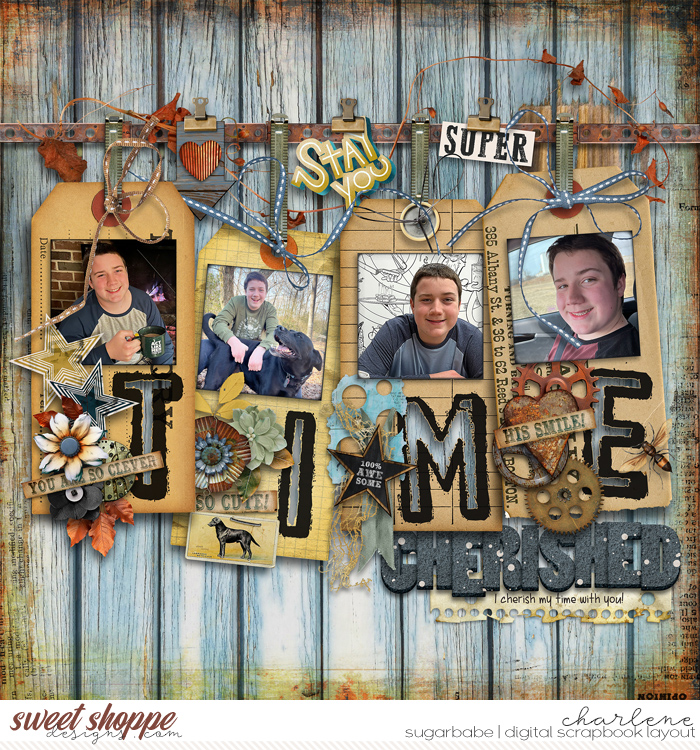
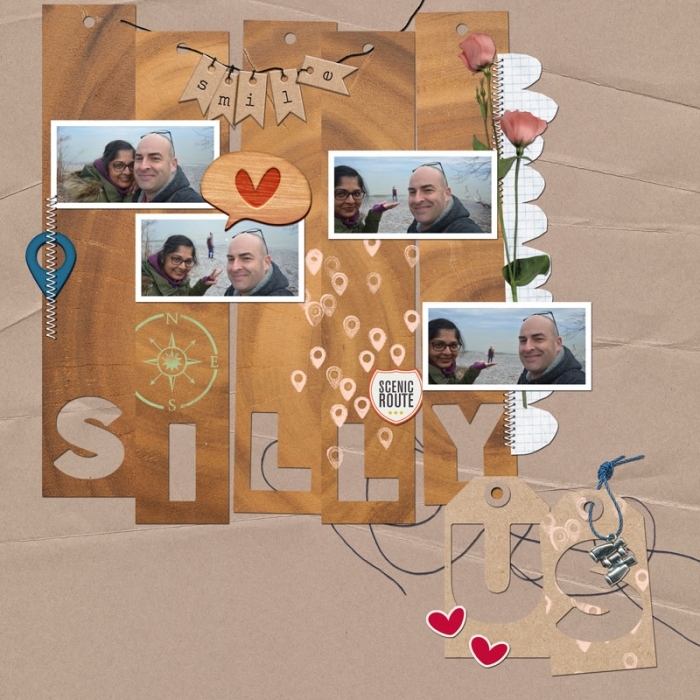
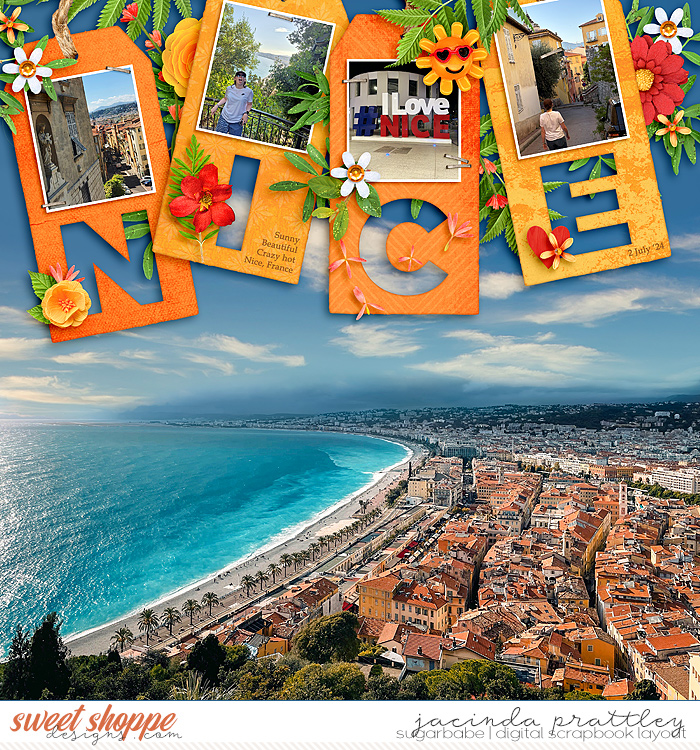
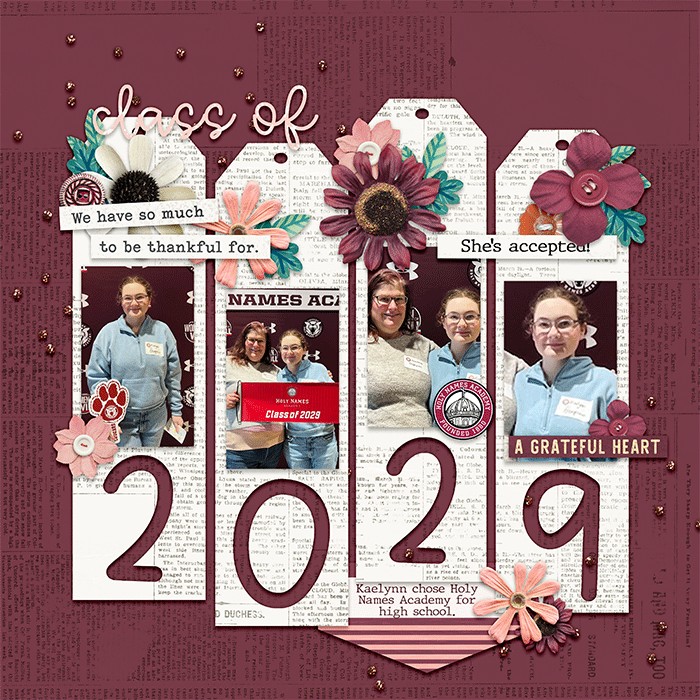
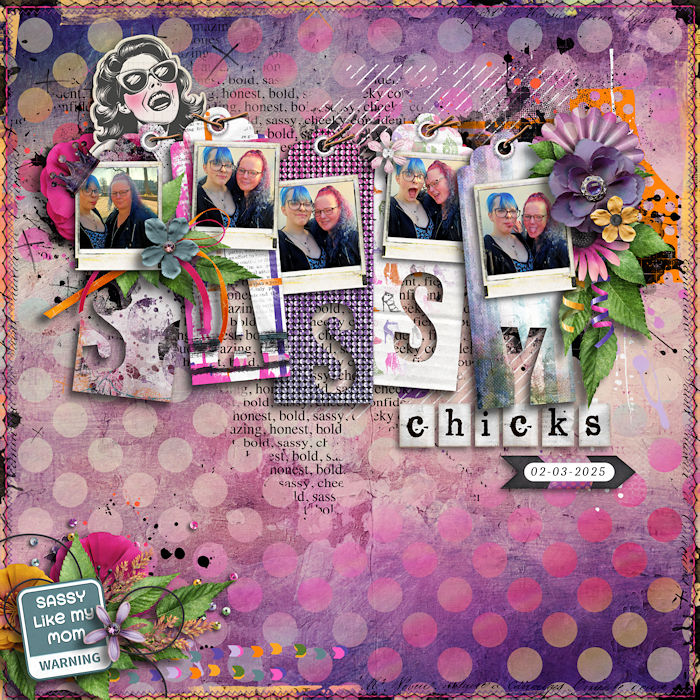
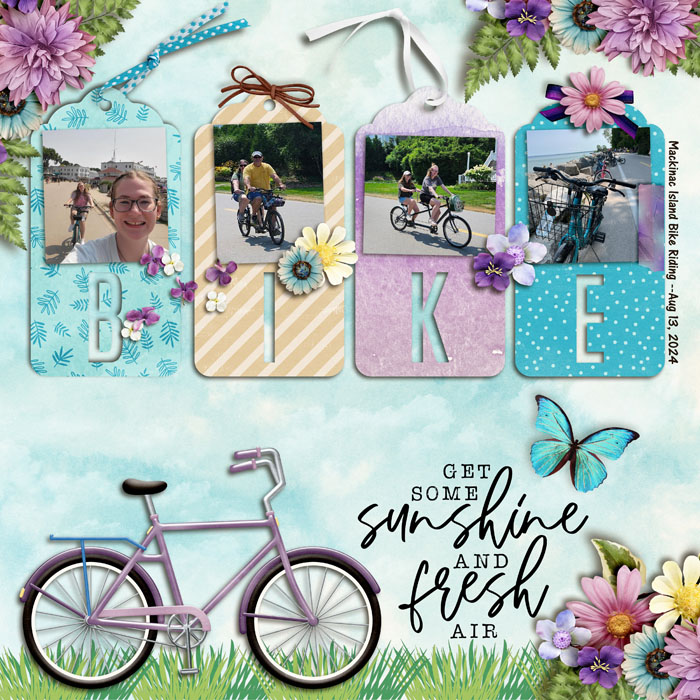
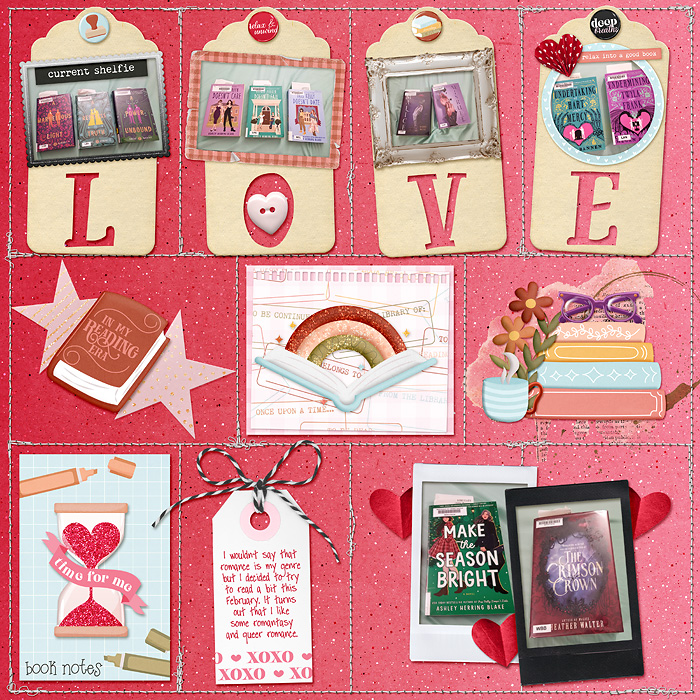
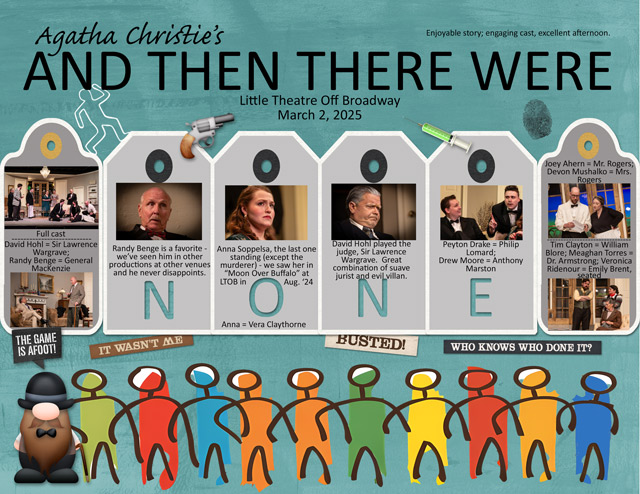
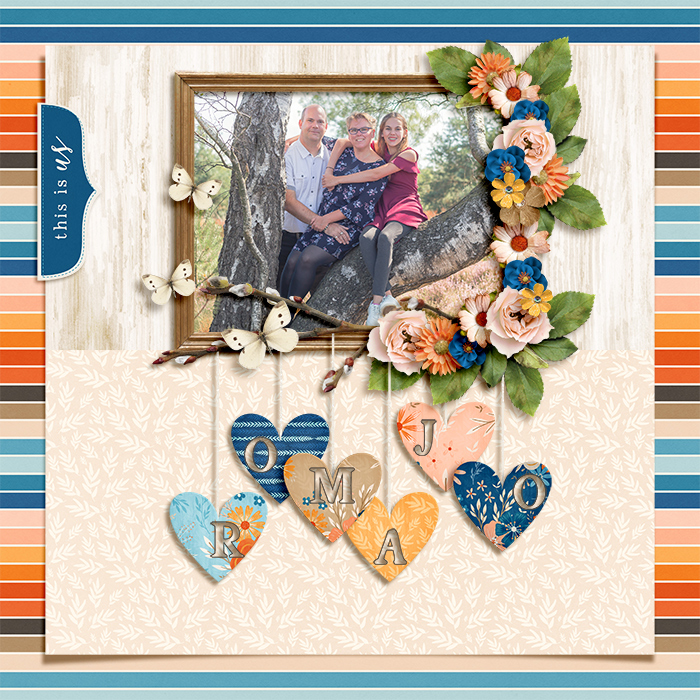
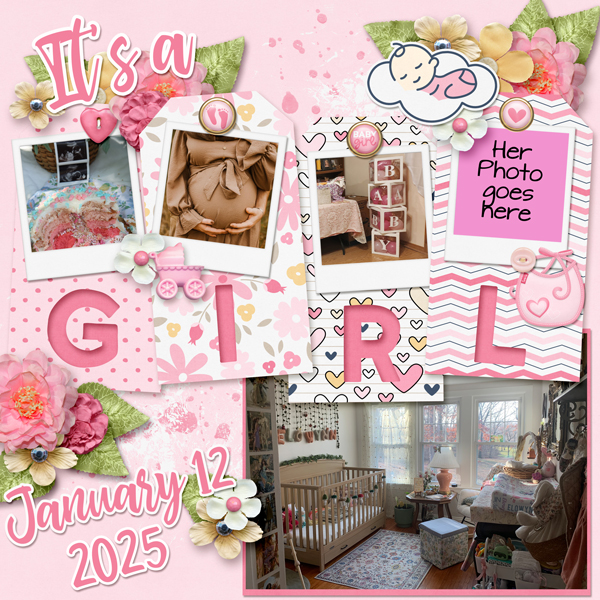
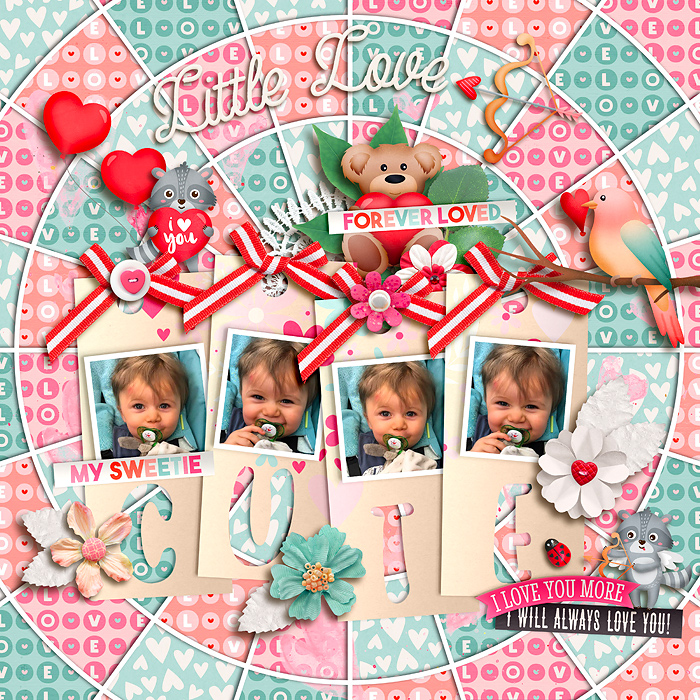
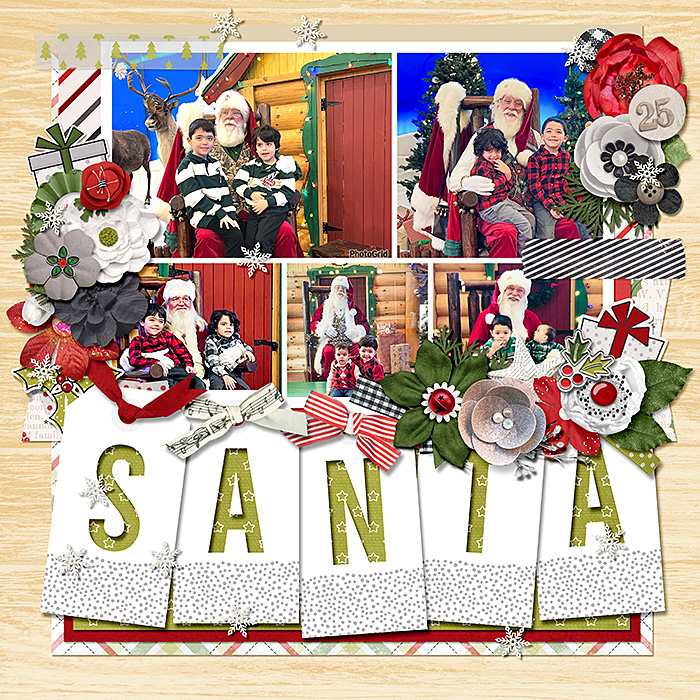
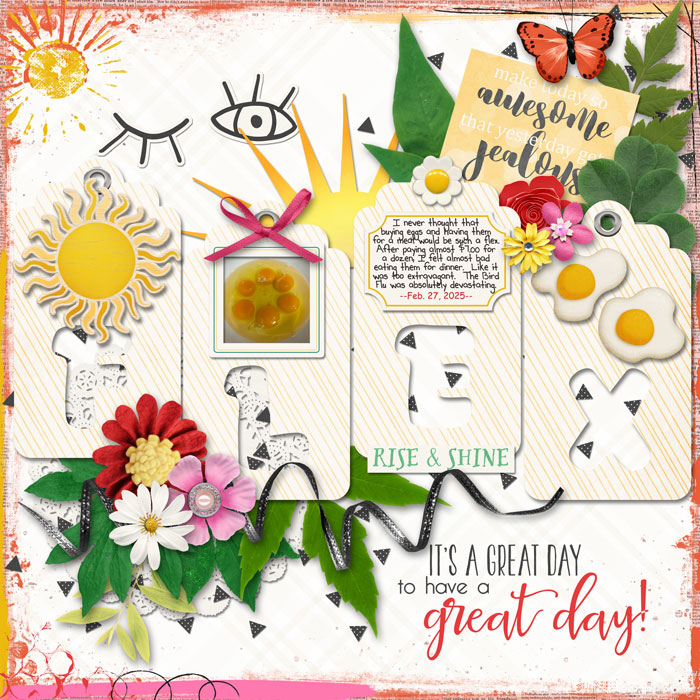
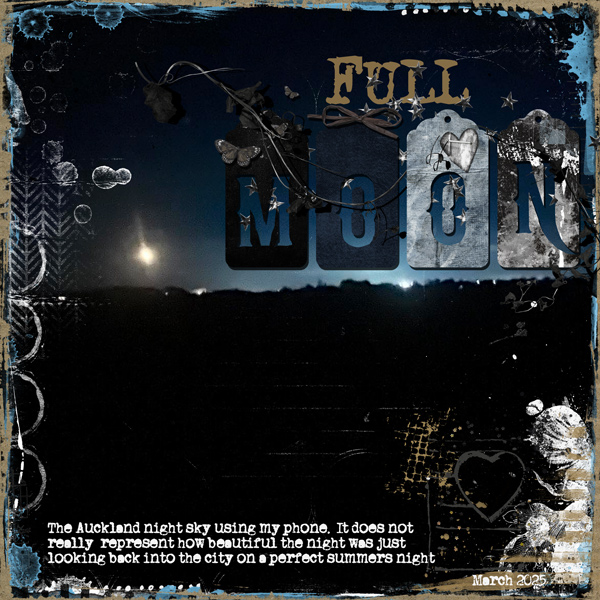
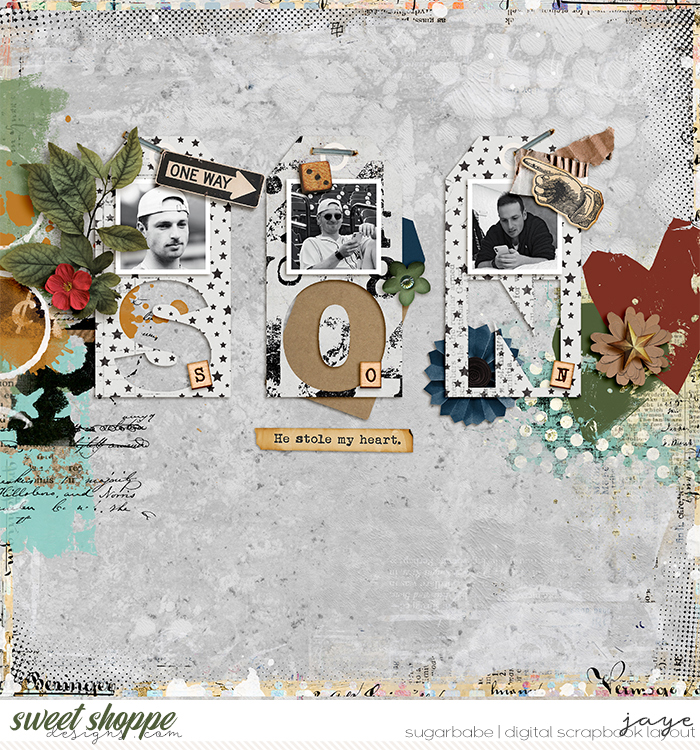
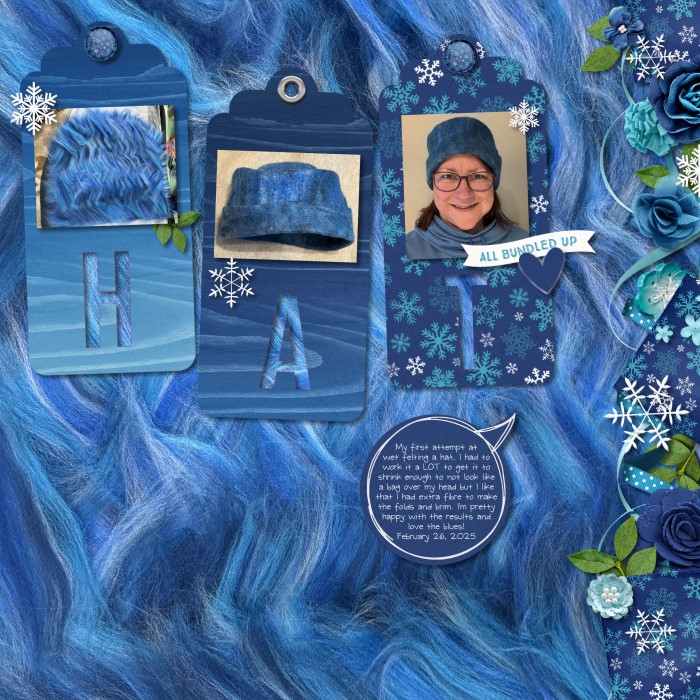
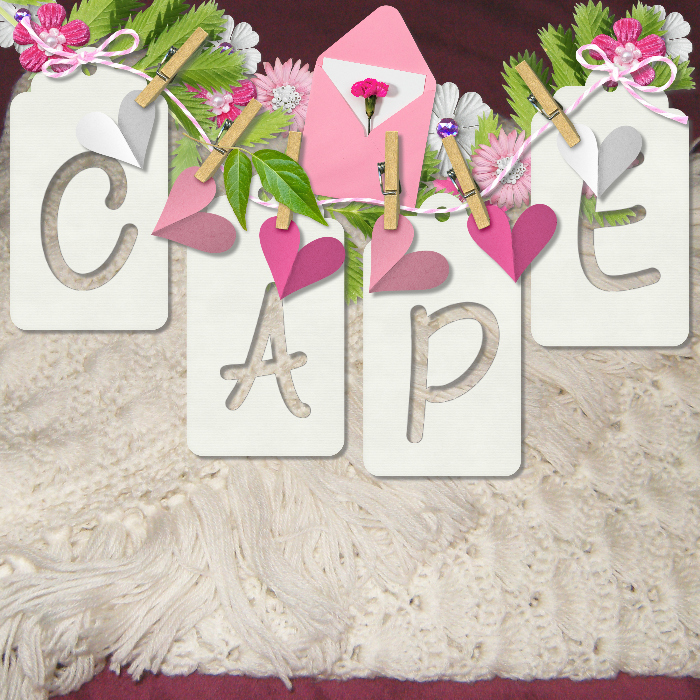
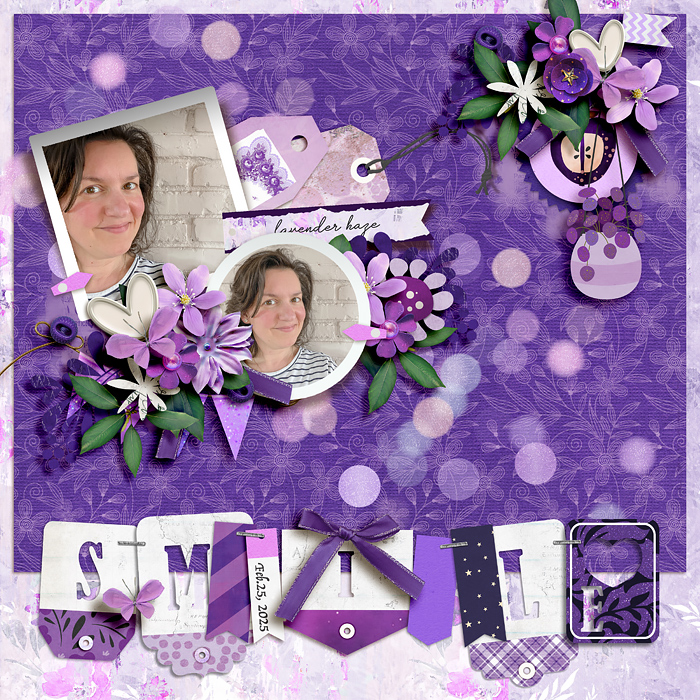
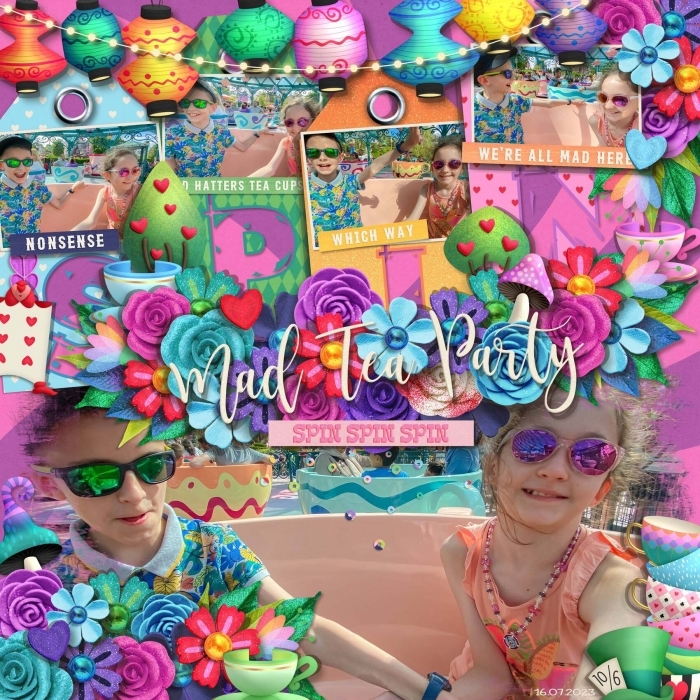
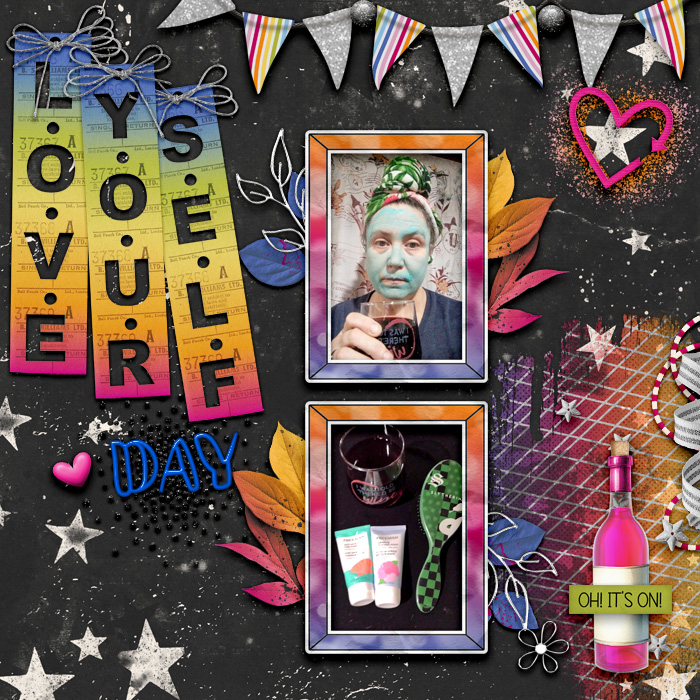
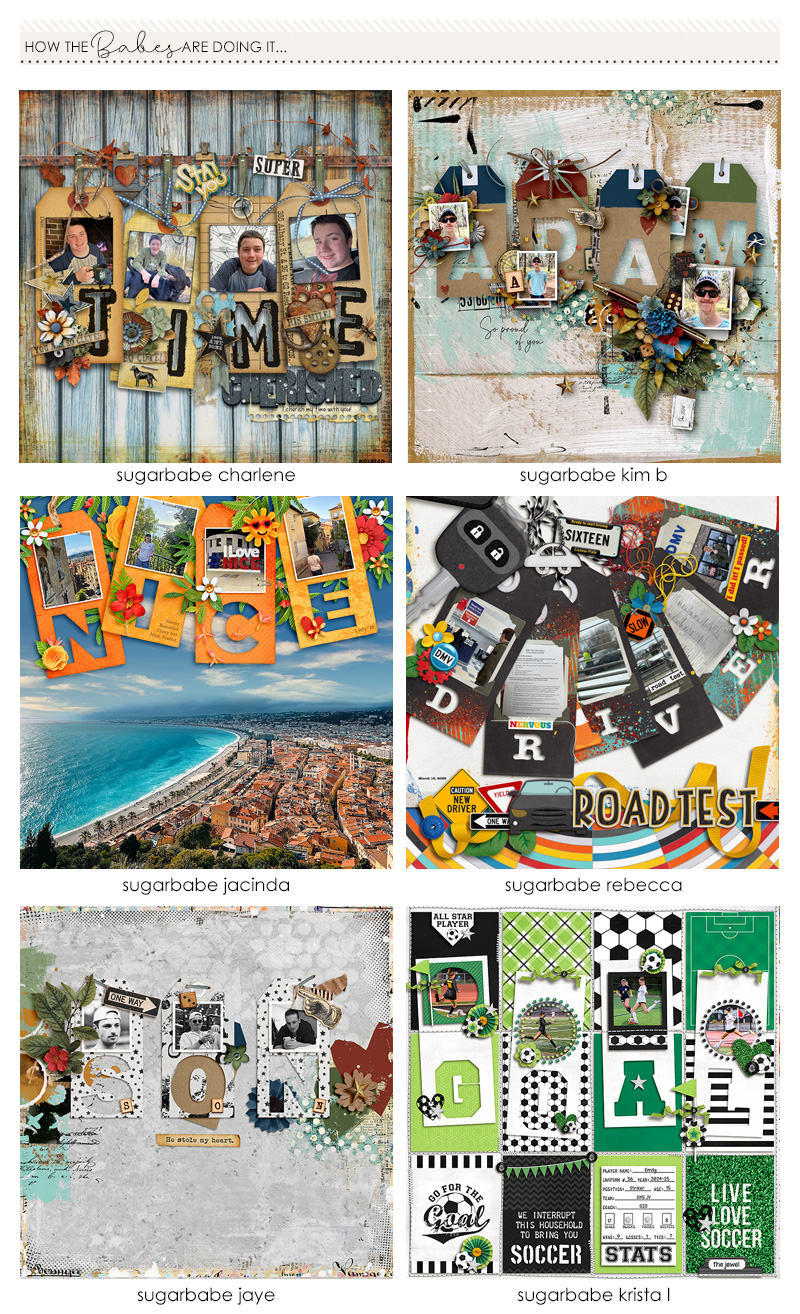
I love, love, LOVE today's challenge and think the Babes absolutely knocked their example layouts out of the park! I love how they tied their tags together with their photos and elements so that each page has a cohesive theme. I seriously can't wait to see the words you choose for today's tag-centric pages and really hope you get creative, have fun and think outside the box with whatever you create!

Scrap a layout for this challenge and post in this thread by midnight ET on March 11th for your chance to win your choice of up to $20 in regularly priced goodies from one of the designers sponsoring today's challenge!

Don't forget if you miss the deadline for this week's giveaway, you can still earn Sweet Rewards & be entered to win this month's grand prize for completing all of this month's TOTB challenges! Simply update your post in this month's tracker thread by April 1st to claim your rewards.

Happy scrappin!

R
 
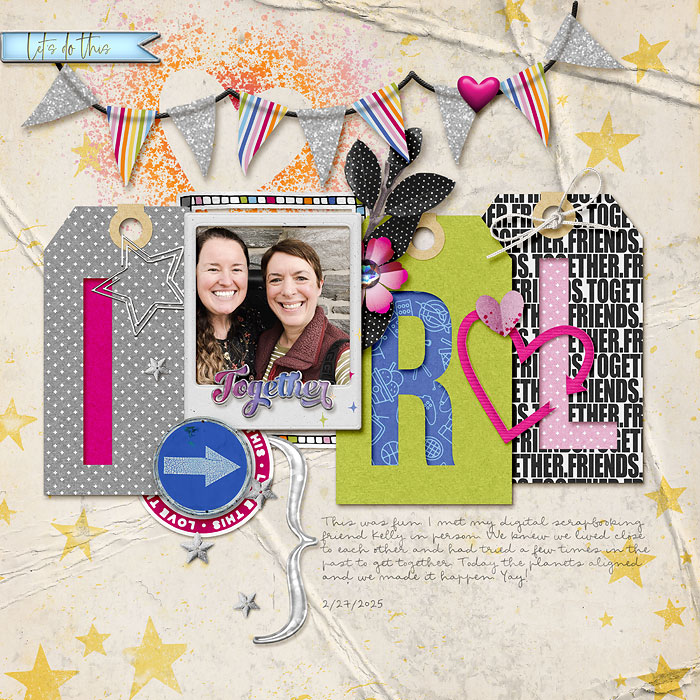
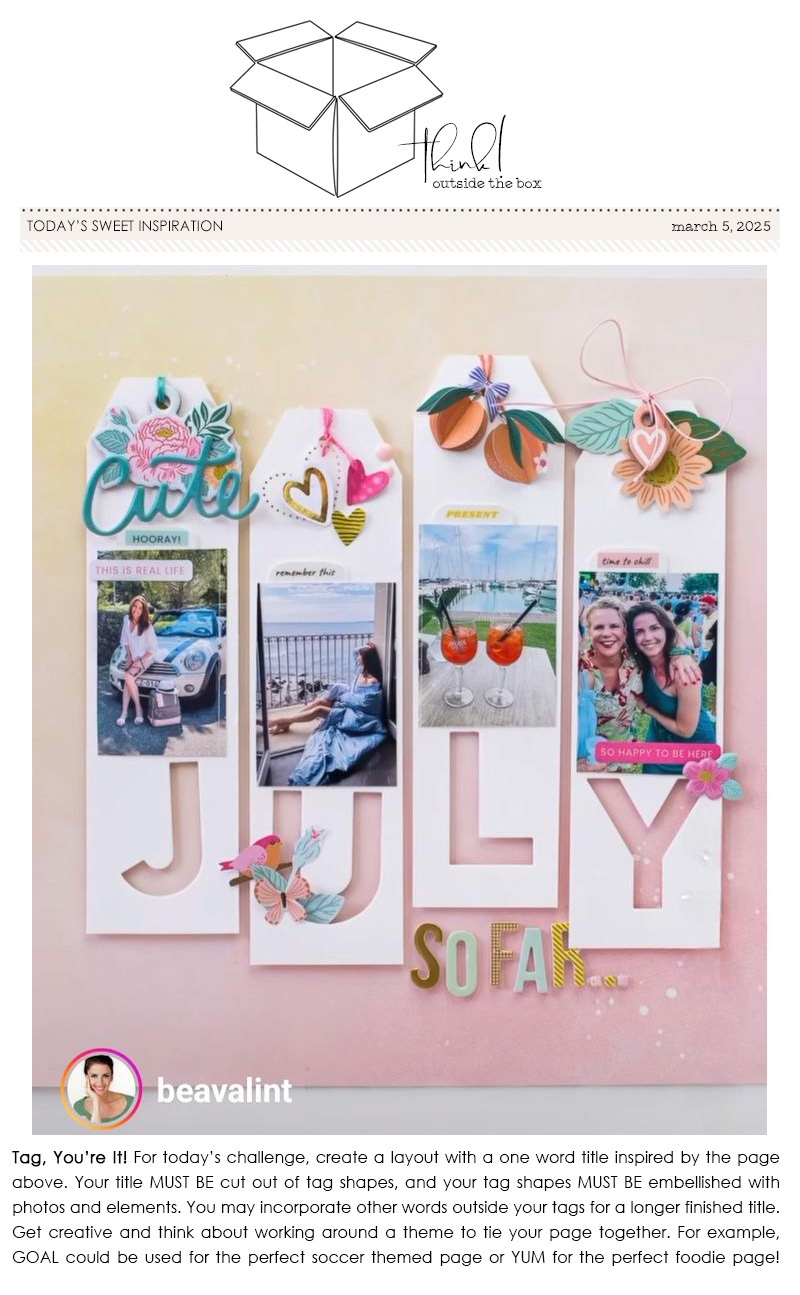
This morning I was scrolling on Pinterest and your inspiration layout was one I pinned on one of my boards to scraplift one day!
Now off to think about what to create myself.
 
That's so cute Jagruti! Love that you made a longer title and used more tags to do it... so fun!
 
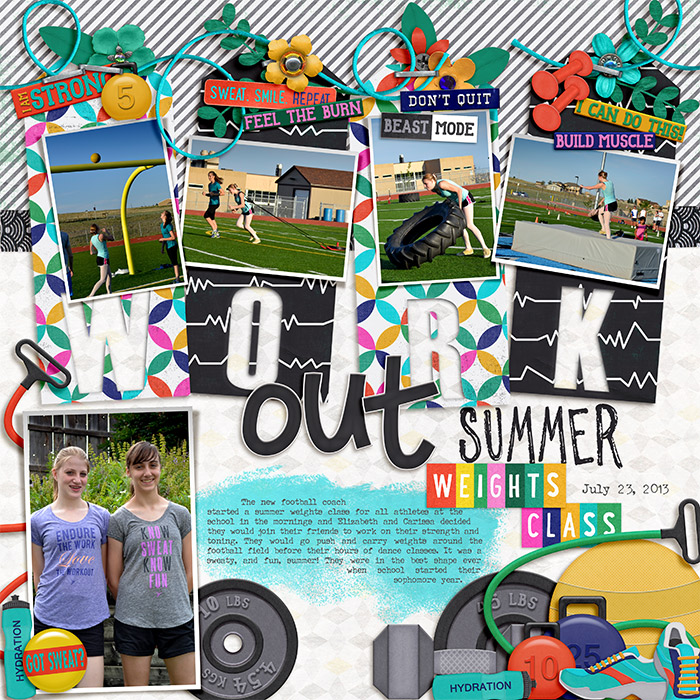
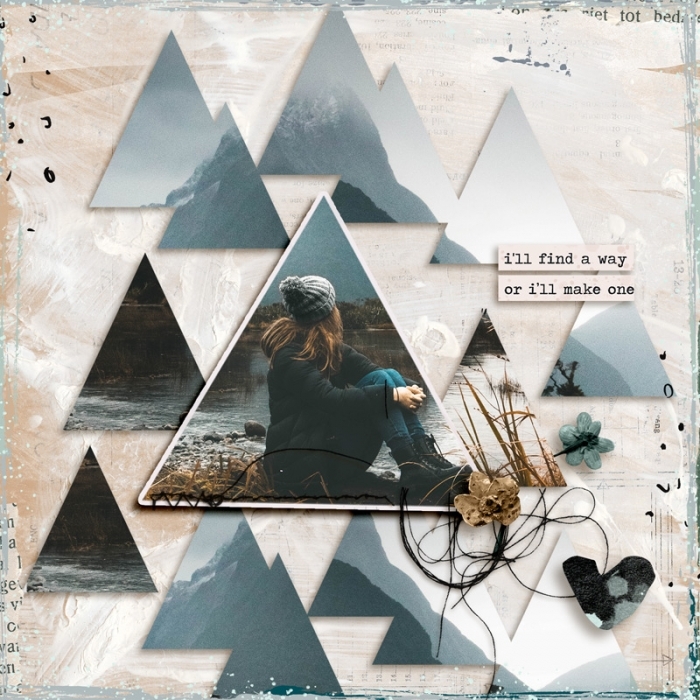
This was hard...must admit, I'm a template gall and scrapping with no
template...geezzz hahaha But it was also fun! Really needed to think about
how to make the cut outs after a 6 year break LOL

 
are there any tutorials on how to cut out shapes letters? I don't know how to do that. TIA.

Hi. Are you using Photoshop? If so, one way is this...
Place an alpha (with well defined shape/edges) above your tag. Or use the type function to type a letter above your tag. A big, chunky one would work well. Make sure the letter is as big as you want it and in the spot you want it. Are you familiar with using masks? If you add a layer mask to the tag you can then make a selection of the alpha/letter layer. I do it by placing the cursor over the little thumbnail of the alpha or letter in the layers panel and left-clicking with the mouse while holding the ctrl button. There's probably a shortcut key for it that I should learn. At this point you should see the "marching ants" around the letter. Click on the tag in the layers panel (you might still have it selected and don't need to do that) then use a brush with black chosen and paint over the letter/alpha selection. Deselect or turn off your selection and turn off the visibility of the alpha layer. You should now see the cut out on your tag of the letter.

If that didn't make sense, let me know. (Someone else might explain better, or I can try to clarify something.)

:hugs:

I just looked at the "tutorials" section of the site and found this:
Three Methods for Creating Cut Outs on your Layouts
But, those examples aren't showing the things that are behind the layer. Just making the word look punched out. Anyway....
 
Last edited:
Thank you so much for the fun, my take, full credits in gallery, wishing you a nice weekend! :wub:
 
Back
Top