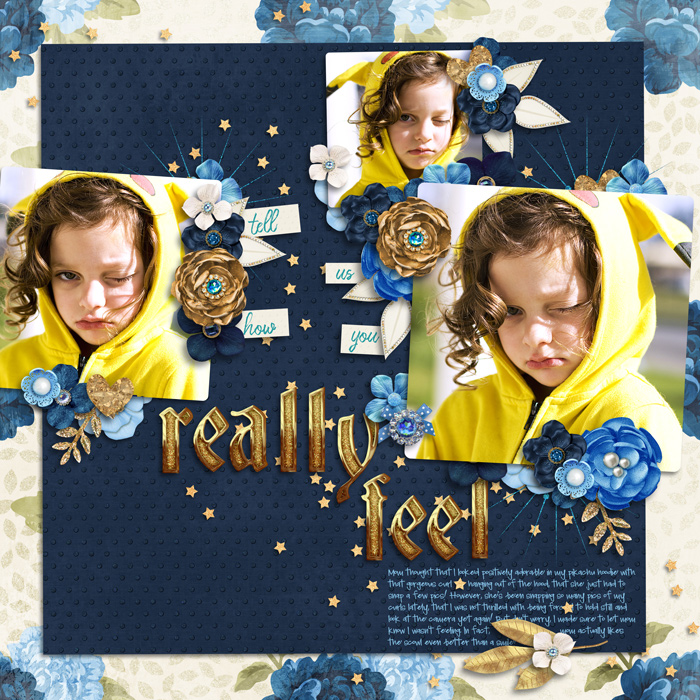
I'm not a Babe but consider myself OK at clustering and I often do it without templates.
My main trick is to follow the element itself...if a flower/element looks more flat, I add a "thin/shallow" shadow...and when the flower/element requires more volume, I apply a deeper shadow. I usually do those deep shadows on those round/layered flowers which I imagine would cast such a shadow on a paper layout (i have no idea if that's the case because I don't do paper scraps but that's how I imagine it lol)
The secret is to alternate and mix depth of shadows...to add volume and realism.
So, whether I scrap with or without template, I add my own shadows. I always remove the shadows from a template but yes, they might be a good start to get an idea. However, DO try to change depth here and there.
Maybe a few examples would help:
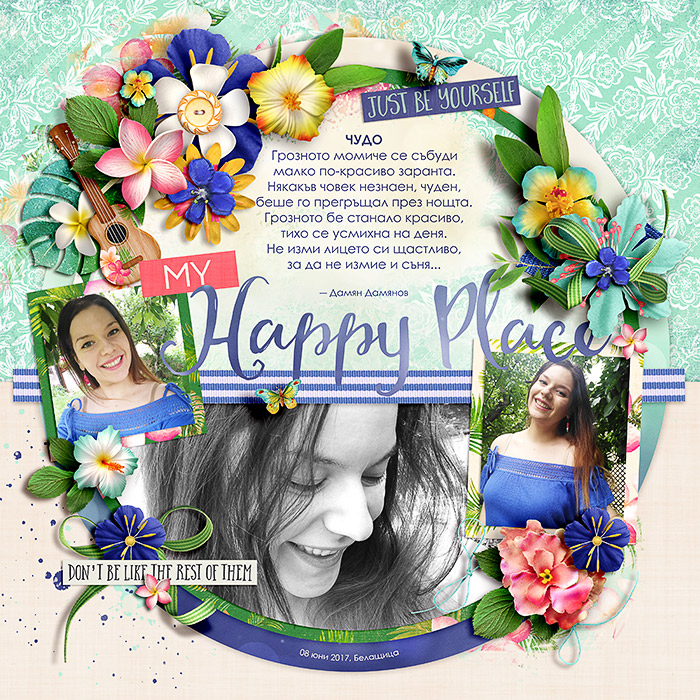
see those round layered flowers with deeper shadows...
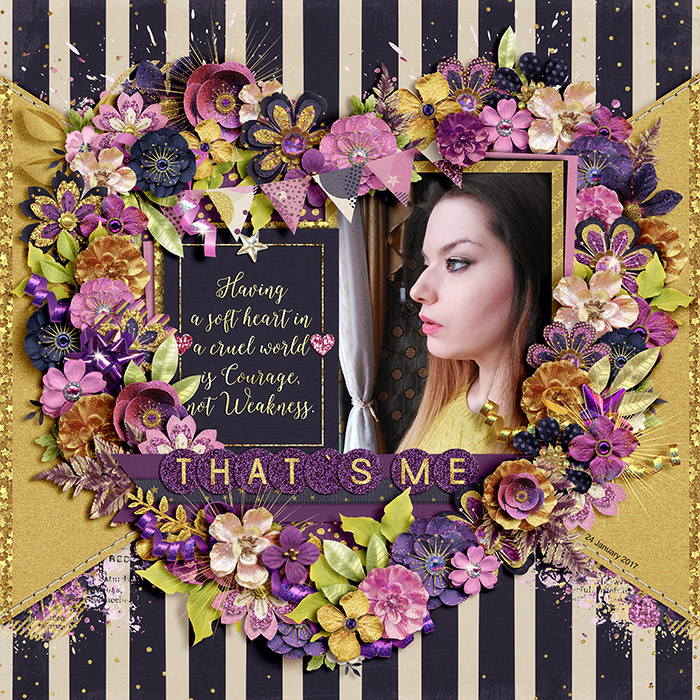
Same here - deeper shadows on voluminous flowers; shallow on the flatter objects

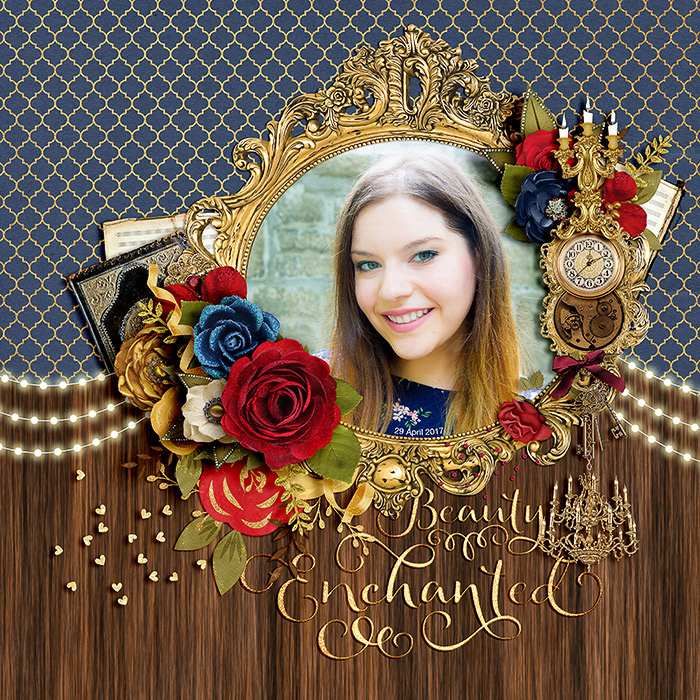
For word bits I prefer super thin shadows because I imagine those to be kind of "glued" to the paper

While with the butterflies, I always apply thick deep shadows to add an interesting (to me) depth to the page. With the ribbons, I usually go something in between, then rasterize the shadow (make it a layer) and slightly adjust it with the warp tool, following the ribbon's shape/curl. Hope it makes sense
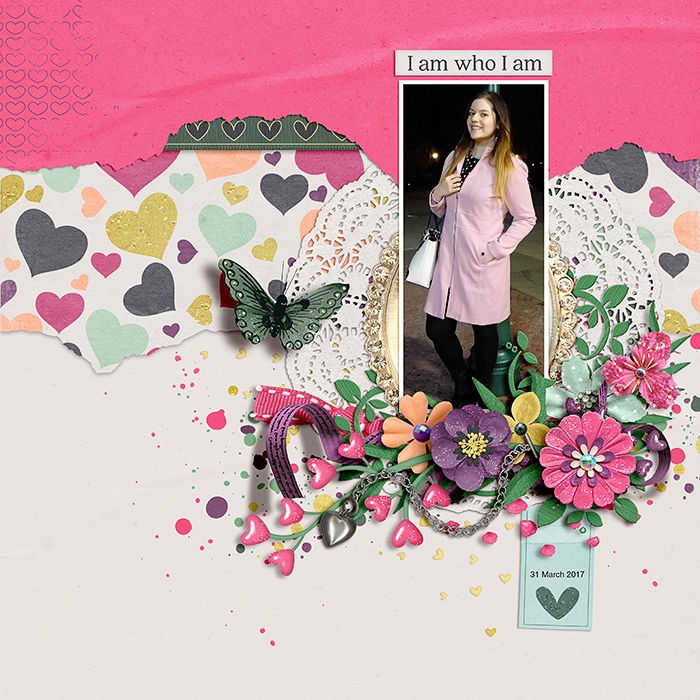
Really, just looking at pages you like and trying to recreate what you like is the best practice! Just keep on scrapping and have fun -- that's the most important part