January 2018 - Bingo FAQ

The spirit of the challenge is to use a kit that you've received for free... specifically one of our FWP Featured Designer kits. These are products that are offered every 2 weeks and are free with a $10 purchase. I think a lot of folks pick up FWPs with their orders, but often don't use them right away, so thought this would be a great motivator to pull one out of your stash. It can be a recent offering, or an old one. If you don't happen to own a kit that's previously been offered as a FWP Featured Designer kit, please feel free to use one of the Free Samples currently offered in the Shoppe. I hope that helps.

Thanks Loni, I have quite a few FWP kits and did use one for the challenge. Was just confirming as my original page I had used one that the featured designer had on sale during her week :). Thanks for clarifying, all set and done.
 
I really cant remember how long its been since I got a challenge coupon lol. Are they off one product or a whole purchase? .... this determines how hard I try for a coverall lol:wub:
 
I really cant remember how long its been since I got a challenge coupon lol. Are they off one product or a whole purchase? .... this determines how hard I try for a coverall lol:wub:

A whole purchase! :wub:
And if you complete a blackout, you've got a chance on winning a 50 dollar coupon.
 
I have a question about the scraplift... I'm assuming we are supposed to lift the one that was featured, but that is so outside my style, I honestly don't think I could create anything looking even remotely like that page. How loose is this challenge? Would I be able to create a page with maybe the same image placement and have that count?
 
Yes, it would count. The challenges are easy going. You can take anything that inspires you about the layout to create a new one.
 
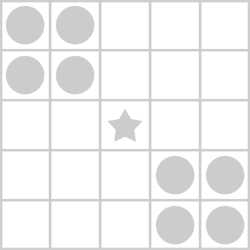
QUESTION... I goofed and somehow thought one of the Bingo options was to fill the four boxes in each corner. I realized today that I only have to do four boxes in TWO corners... but I did the wrong corners!

My Bingo card is here:


As you can see I did top right and bottom left but in the rules for pattern options it shows the top left and bottom right:
bingo-30-corners.jpg


Just wondering if I'm okay in the spirit of the game, or do I need to go back and follow an exact pattern?

Thank you!

PS - I know I am still one LO short. ;)
 
I could be wrong, but my take was that it was just that shape, not necessarily that exact placement, so the other two corners would count.
 
QUESTION... I goofed and somehow thought one of the Bingo options was to fill the four boxes in each corner. I realized today that I only have to do four boxes in TWO corners... but I did the wrong corners!

My Bingo card is here:


As you can see I did top right and bottom left but in the rules for pattern options it shows the top left and bottom right:
bingo-30-corners.jpg


Just wondering if I'm okay in the spirit of the game, or do I need to go back and follow an exact pattern?

Thank you!

PS - I know I am still one LO short. ;)

No, you don't need to go back. The images shown are just samples. You don't need to fill those exact boxes. Your cards is just fine!
 
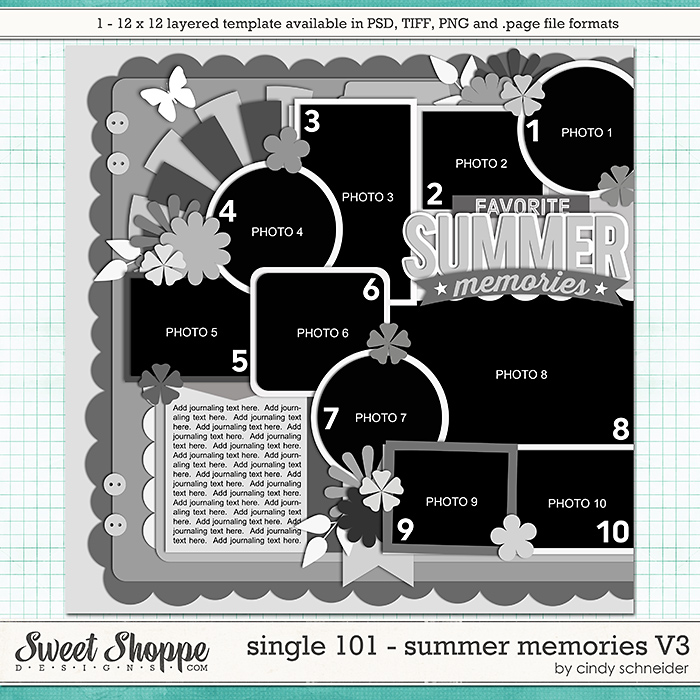
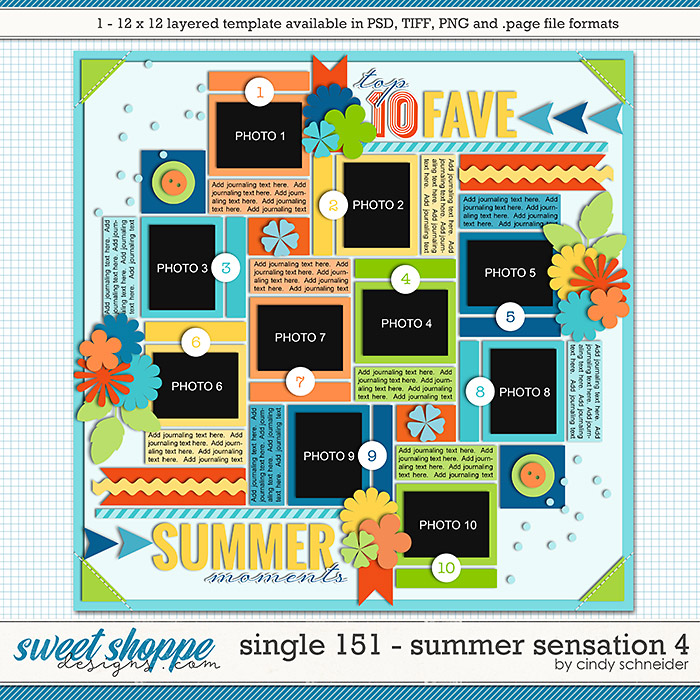
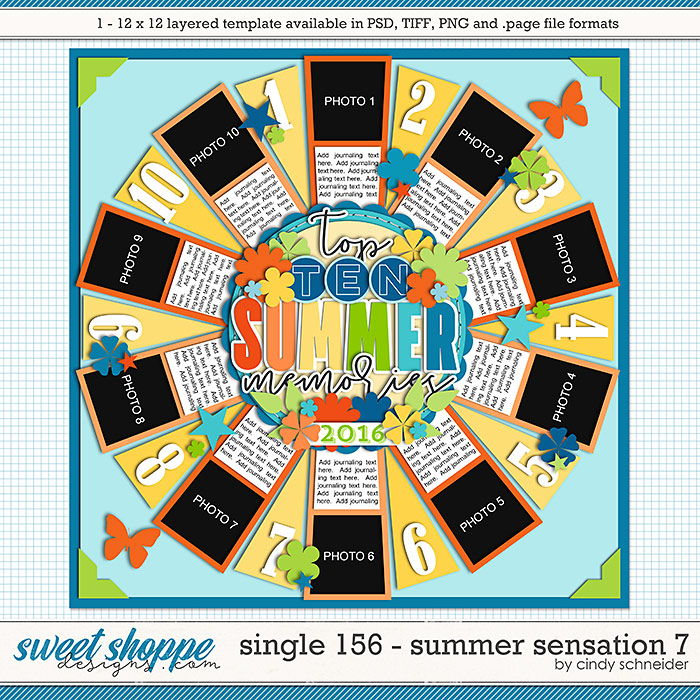
Do you have a list of the templates that have a countdown type theme from SSD? I've looked and I can't really find any... (Any besides 12 days of Christmas and year in review?)
 
Do you have a list of the templates that have a countdown type theme from SSD? I've looked and I can't really find any... (Any besides 12 days of Christmas and year in review?)

Nicole, you can always customize these templates:


Do you have a list of the templates that have a countdown type theme from SSD? I've looked and I can't really find any... (Any besides 12 days of Christmas and year in review?)

Sherly has shared some great options above. And I wanted to include a response for a similar question posted earlier in the thread... if you can't find a template featuring numbers that inspires you, simply add numbers to one that does. Hopefully, one of these suggestions will help.
 
What is "shine bright cast a long shadow"? I am stuck!

Adi's suggestion is perfect!
Or, the way I see it, it can be scrapping a page, telling your loved ones to never stop be an inspiration in everything that they do.
 
Adi's suggestion is perfect!
Or, the way I see it, it can be scrapping a page, telling your loved ones to never stop be an inspiration in everything that they do.
And I did a very literal one with a photo on a very sunny day with a very long shadow :D
 
Is anyone else having troubles in the gallery? I uploaded a photo just like I do all the time but it is not saving any of my photo credits. I tried editing it a few times and deleted it to redownload but it is still blank after I save the changes. I decided to try to leave the credits in a comment field but I got a message afterwards: You did not fill in the comments or rating field.

Here's the photo:
https://www.sweetshoppecommunity.com/gallery/showphoto.php?photo=494841&title=tram&cat=500
 
Is anyone else having troubles in the gallery? I uploaded a photo just like I do all the time but it is not saving any of my photo credits. I tried editing it a few times and deleted it to redownload but it is still blank after I save the changes. I decided to try to leave the credits in a comment field but I got a message afterwards: You did not fill in the comments or rating field.

Here's the photo:
https://www.sweetshoppecommunity.com/gallery/showphoto.php?photo=494841&title=tram&cat=500

Does your credit contain an apostrophe (')? If it does, try removing it/them.
 
Back
Top