iNSD 2016: Bingo for Your Chance To Win!

If we have blackout, do we need to fill in both forms? One for the 25 dollar coupon and one for the 100 dollar coupon?

Yes, you may fill out both forms! Winners will be drawn separately, so if you only fill out the blackout form, you won't automatically be included in the single line drawing.
 
And as for showing proofs, you may include screenshots, order numbers, or any combination. I'll be the one checking them, and I'm good with whatever method you use. IF there were a question, I'd contact you to ask before just disqualifying the entry.
 
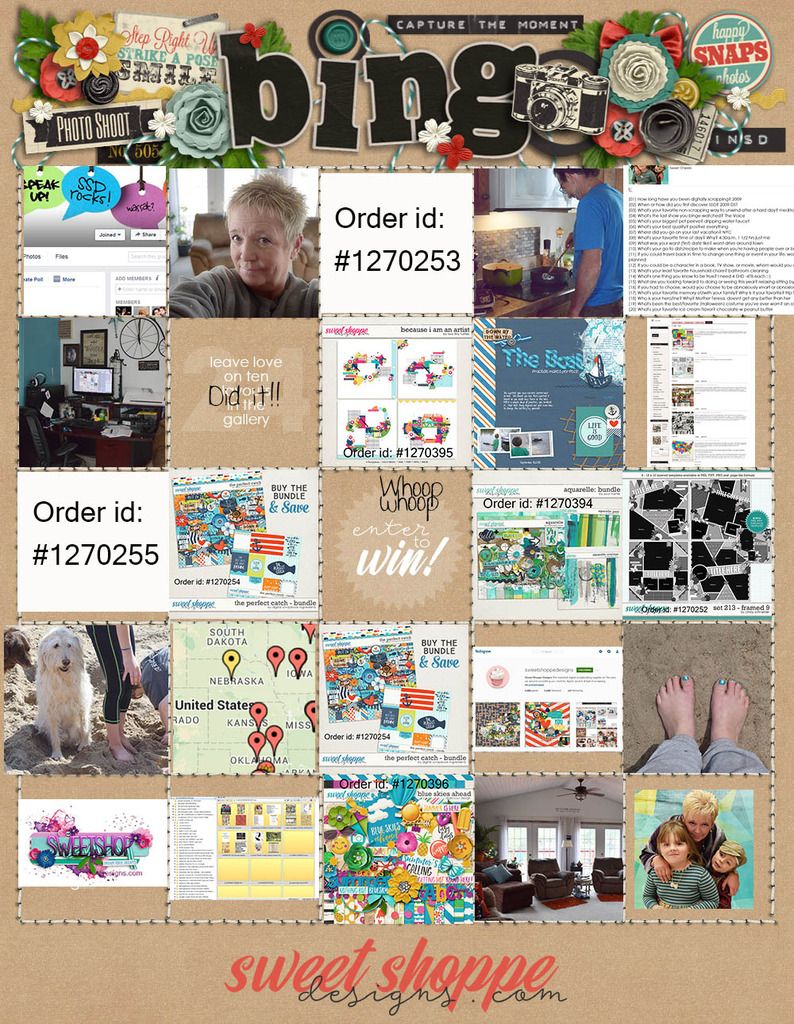
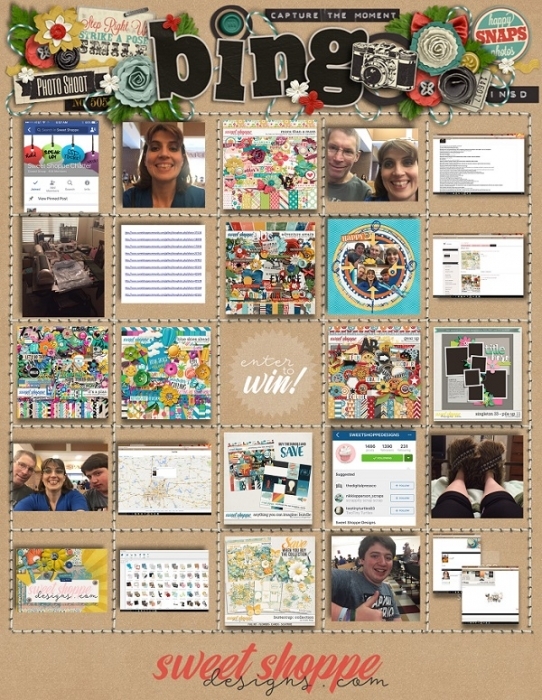
Can someone confirm what we do with the photos for the photo only challenges? Add them to threads, just on the bingo card? In the gallery?
And for the shopping ones also how do we indicate them on the bingo card?

I am also assuming that if we spend $20 that covers both the $10 and $20 challenge? But that for all other shopping challenges each has to be separate so buying an iNSD template pack from Cindy would only count as one (either template pack or iNSD goodie or favourite designer)? so by my reckoning we have to have six different products purchased to meet all the challenge requirements? Is that correct?

Please see my clarification post up top. If you spend $20 and are going for a blackout, you may overlap and count items for more than one square.
 
Happy iNSD Weekend & Good Luck! yeah!!!
full and uploaded

iNSD2016_Bing%20scrappingram.jpg
 
Last edited:
For the seasonal/holiday square would something like a grad kit count (for the spring graduation season)?
 
Libby thanks for your clarification, that helps a lot!

Yep I just asked to join too and Traci has approved my request - so quick!

My biggest challenge is having to figure out how to get instagram. I couldn't get it before on my old phone and couldn't figure how to do it just via pc. I have a newer phone now so off to see how to do it.
 
Wish we'd known we could overlap before I went shopping last night! It took over 2 hours for me to get 6 products to fit into the card! LOL *is indecisive*
 
Last edited:
Libby this time i can not play for the buy challanges because whe have buyed our first home !! so i need to save every penny but i gonne play for fun all the other challange i put a button on the ones i have played most of them can be find back in the forum accept the snap it ones and the leave love ones is it mabey a idea to make a thread to post the snap it photo's in and one where whe can put the links in from the layouts whe leave love at
 
*************UPDATE*************

I just spoke with Robin regarding the purchase requirements for the bingo card.

If you are playing for blackout you may combine shopping squares as needed. So, you could count that card bundle as an INSD release from your fave designer for those 3 different squares.

However, if you are only going for a single line, you can't simply buy 1 kit (or bundle) and make it fit into every space on that line. That means if you were going for a bingo down the center of the card, you couldn't spend $10 on an INSD new release bundle with cards in your favorite color and then count that as an entry.

Please let me know if that isn't clear.

Sorry for the confusion! I was going based on our past challenges, and since Robin is traveling around Europe right now (goodness... so jealous!), the time difference makes it tough for me to clarify things with her right away.

Thank you for understanding!

Oh, yay! Thanks Libby!!

Now, any chance a Zodiac kit would be considered "seasonal"?
 
LOL Well, I suppose if it's a zodiac kit about your birth month or something like that, then the argument could be made that it was birthday season!
 
Libby this time i can not play for the buy challanges because whe have buyed our first home !! so i need to save every penny but i gonne play for fun all the other challange i put a button on the ones i have played most of them can be find back in the forum accept the snap it ones and the leave love ones is it mabey a idea to make a thread to post the snap it photo's in and one where whe can put the links in from the layouts whe leave love at

On the snap it ones, you don't actually have to post the photos anywhere... just include the actual photo on your card. :)
 
Seriously, when I saw a full bingo card just for the weekend, I started getting sweats :D But, give me a card where I mostly just have to shop and it's a party! I usually run out of time for the monthly scrapping bingo challenges even, but filled in the majority of this one already!
 
My computer is having some weird glitch lately that won't allow screenshots for me but I'm doing what I can. Is that still okay? Dang thing, it's being glitchy...
 
I opened tabs for everything I had in mind like...Friday...and thought "I'm gonna wait and see what this weekend's challenges are before checking out." Nowwww time to finish up shopping.
 
Wish we'd known we could overlap before I went shopping last night! It took over 2 hours for me to get 6 products to fit into the card! LOL *is indecisive*

Lol. Ch'yea, I'm just about to start and I have a feeling it won't be that much easier lol.

Like...for instance...choose a favorite color? A favorite designer? Pssh. What's that about? I have way too many of both of those!
 
I wish that the Bingo card had at least 5 scrapping challenges, because I use them to push myself into do more pages.
But I love love love the shopping challenges and the snap it challenges. I think the regular card should have a couple of those on regular basis.
 
Okay, I am having some trouble with the signature. I have created one and it is uploaded in the gallery. I found the very clear instructions by Brook Magee, but it still won't let me upload.
I get the following error: BB code img is not allowed.
I noticed on the "Signature Permissions" that "can upload pictures for Signature" is set to NO. Thanks for any help you might be able to give me!
My immediate question is this: Can I go ahead and add my avatar and signature to the Bingo Card and have it count for Blackout even though I can't actually load the signature??? My cart is loaded to cover the purchasing squares. I just need to make sure I can complete the black out before I buy. Thank you for your help! Tammy
 
Okay, I am having some trouble with the signature. I have created one and it is uploaded in the gallery. I found the very clear instructions by Brook Magee, but it still won't let me upload.
I get the following error: BB code img is not allowed.
I noticed on the "Signature Permissions" that "can upload pictures for Signature" is set to NO. Thanks for any help you might be able to give me!
My immediate question is this: Can I go ahead and add my avatar and signature to the Bingo Card and have it count for Blackout even though I can't actually load the signature??? My cart is loaded to cover the purchasing squares. I just need to make sure I can complete the black out before I buy. Thank you for your help! Tammy

The short answer is yes! LOL You can go ahead and put those on the card, and it'll be just fine!

The longer answer is that since you have fewer than 10 posts, that may explain why you can't upload your signature. I changed your permissions, but if that doesn't work, if you just post 3 or 4 more times (comments in the gallery count, too), that should bump you up!
 
Thank you!

The short answer is yes! LOL You can go ahead and put those on the card, and it'll be just fine!

The longer answer is that since you have fewer than 10 posts, that may explain why you can't upload your signature. I changed your permissions, but if that doesn't work, if you just post 3 or 4 more times (comments in the gallery count, too), that should bump you up!

Wow, Libby! That was fast! Thank you so much! You are correct - my next challenge is leaving love on layouts. Maybe that will fix me up!
Thank you again! Tammy
 
Okay, I am having some trouble with the signature. I have created one and it is uploaded in the gallery. I found the very clear instructions by Brook Magee, but it still won't let me upload.
I get the following error: BB code img is not allowed.
I noticed on the "Signature Permissions" that "can upload pictures for Signature" is set to NO. Thanks for any help you might be able to give me!
My immediate question is this: Can I go ahead and add my avatar and signature to the Bingo Card and have it count for Blackout even though I can't actually load the signature??? My cart is loaded to cover the purchasing squares. I just need to make sure I can complete the black out before I buy. Thank you for your help! Tammy


This happens to me every.single.time. (And for my profile photo too.) I usually do it twice and the next time I come back in, it's changed. I have no idea why but that's what it does.
 
Back
Top