scrappinnewbie
Active member
Welcome to the February Monthly Magic challenge hosted by Studio Flergs and Amber Shaw Designs!
Have you seen the lastest #believeinmagic collection? Believe In Magic: Bayou Belle was just released and it is stunning! The PP for this month’s challenge coordinates perfectly with this collection. You won’t want to miss it and remember one lucky winner will receive an added treat.
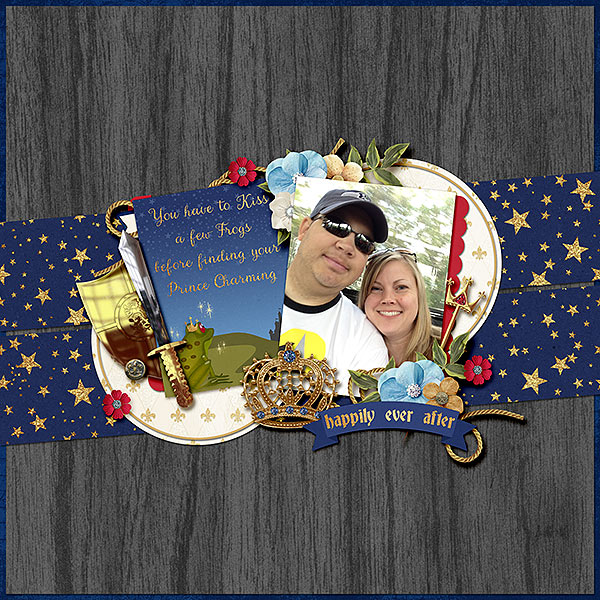
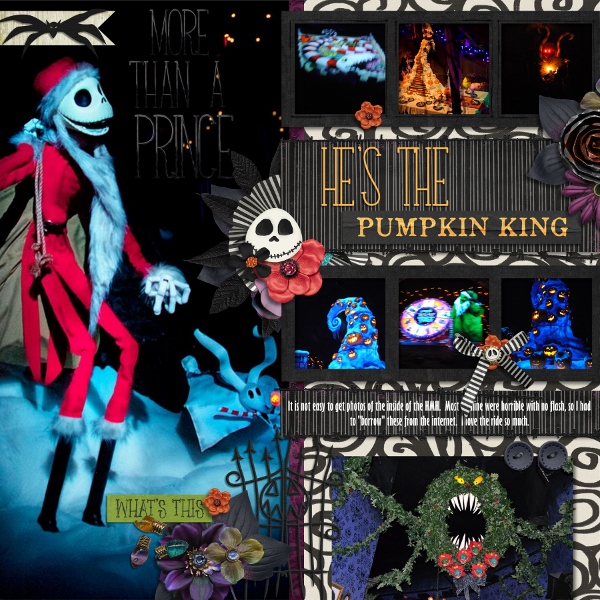
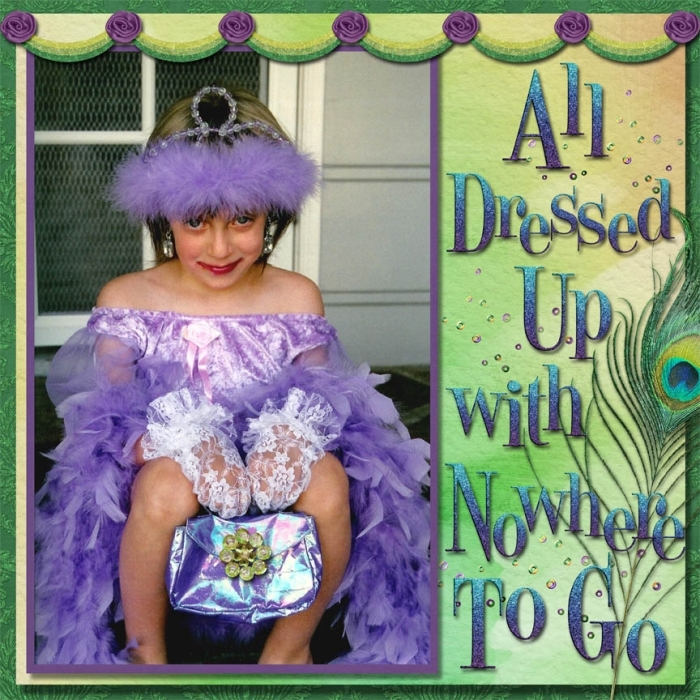
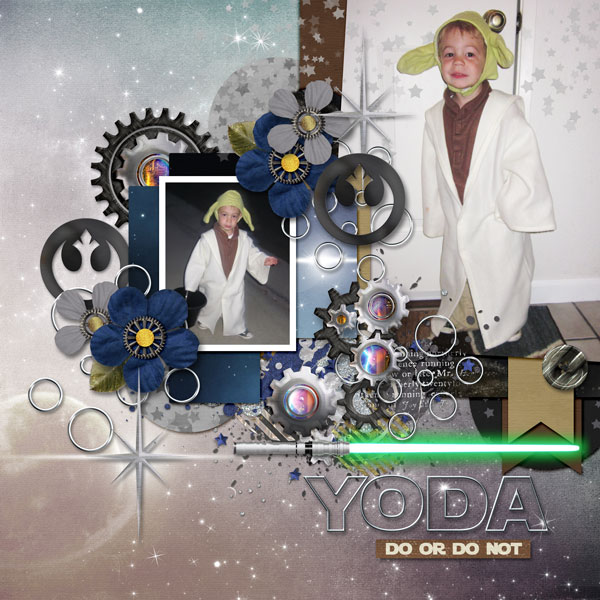
February is the month of love. It is about kissing that frog to find your Prince Charming. The idea for this month’s challenge is all about Prince and Princesses. Here are the details:
Nitty gritty for February’s Monthly Magic challenge:
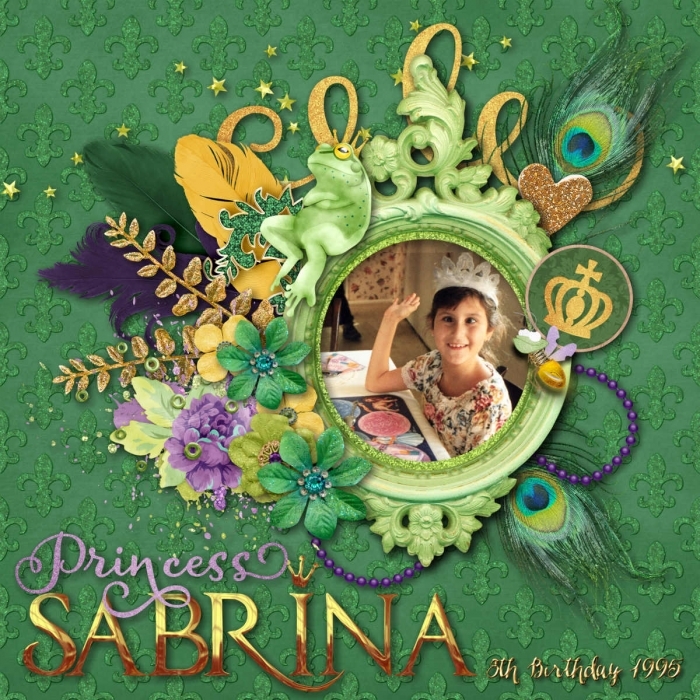
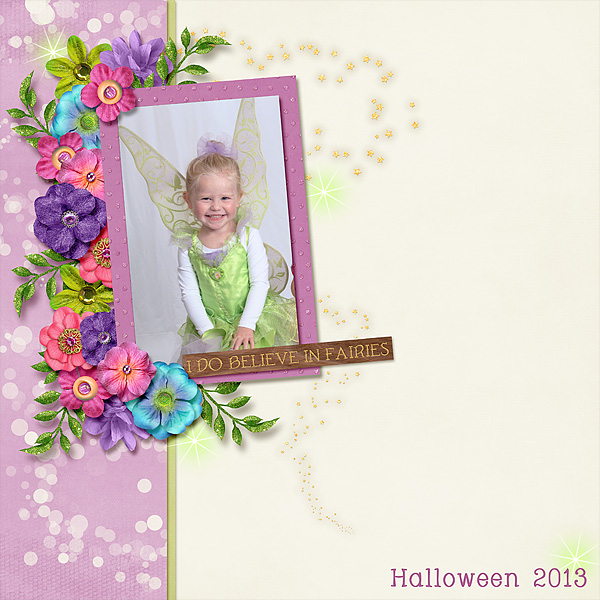
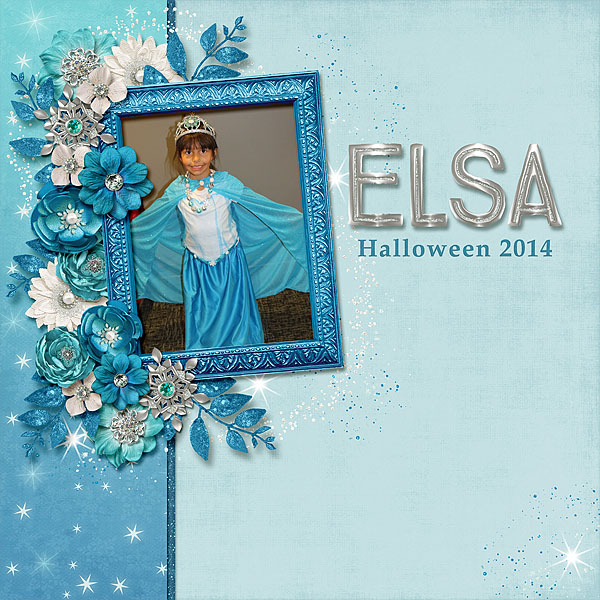
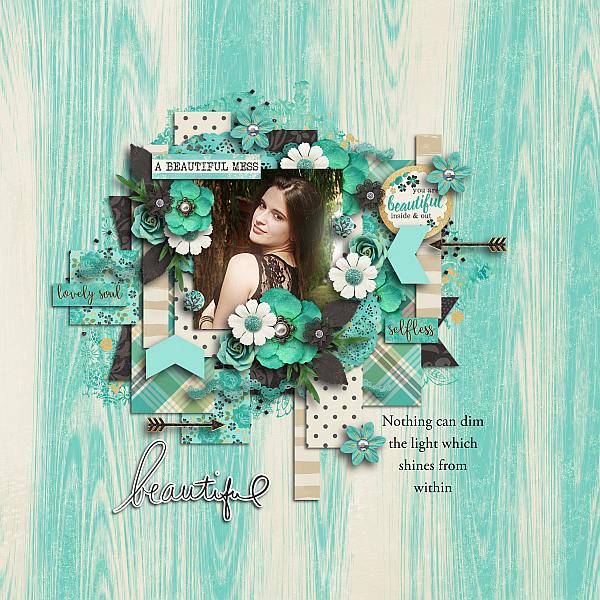
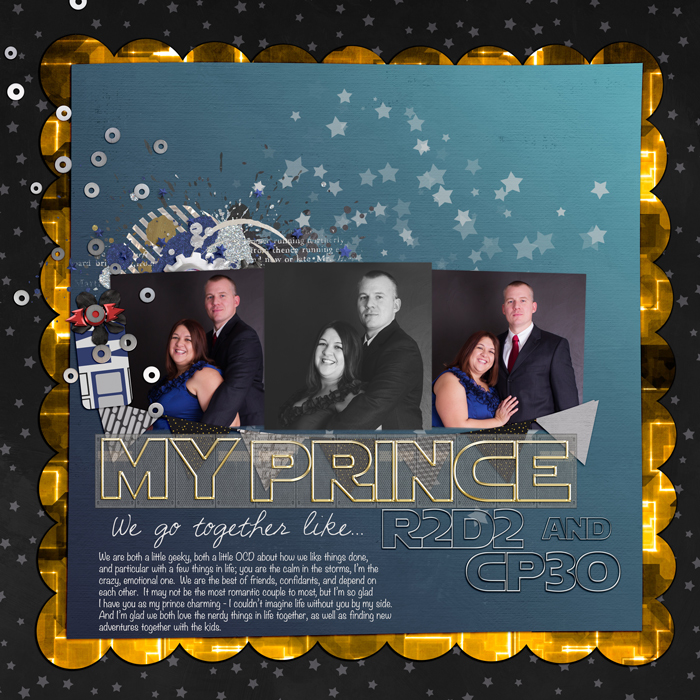
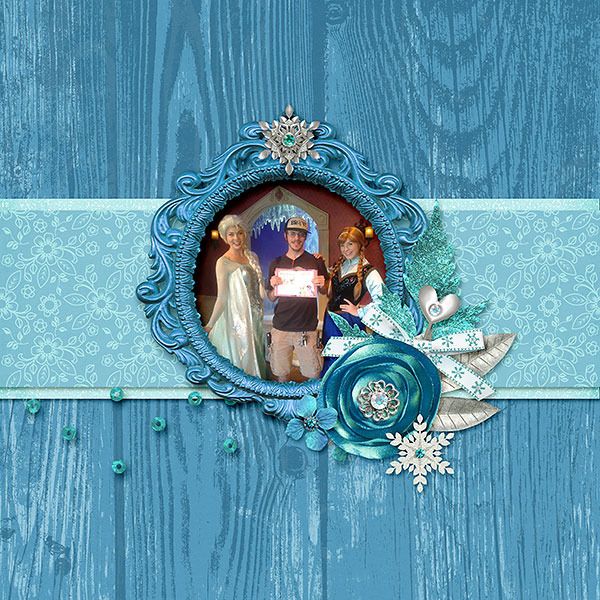
1) For this challenge, you will need to scrap a photo of your Prince or your Princess. This instruction is pretty liberal and up to your interpretation. It can be any Prince or Princess. Your DH, your kids, you, your furry Princess... just to name a few.
2) Your Prince or Princess page must be made with 100% Studio Flergs or Amber Shaw Designs products or #believeinmagic collections. Templates from another designer are acceptable.
3) Please post your layout in
Studio Flergs gallery or
Amber Shaw Designs gallery whichever applies.
4) You have until 11:59 pm PST time on February 29th to complete your page and post it here (with it linked to your gallery). Please feel free to share with us a little about the Prince or Princess in your page. All who complete a page will receive this participation prize:
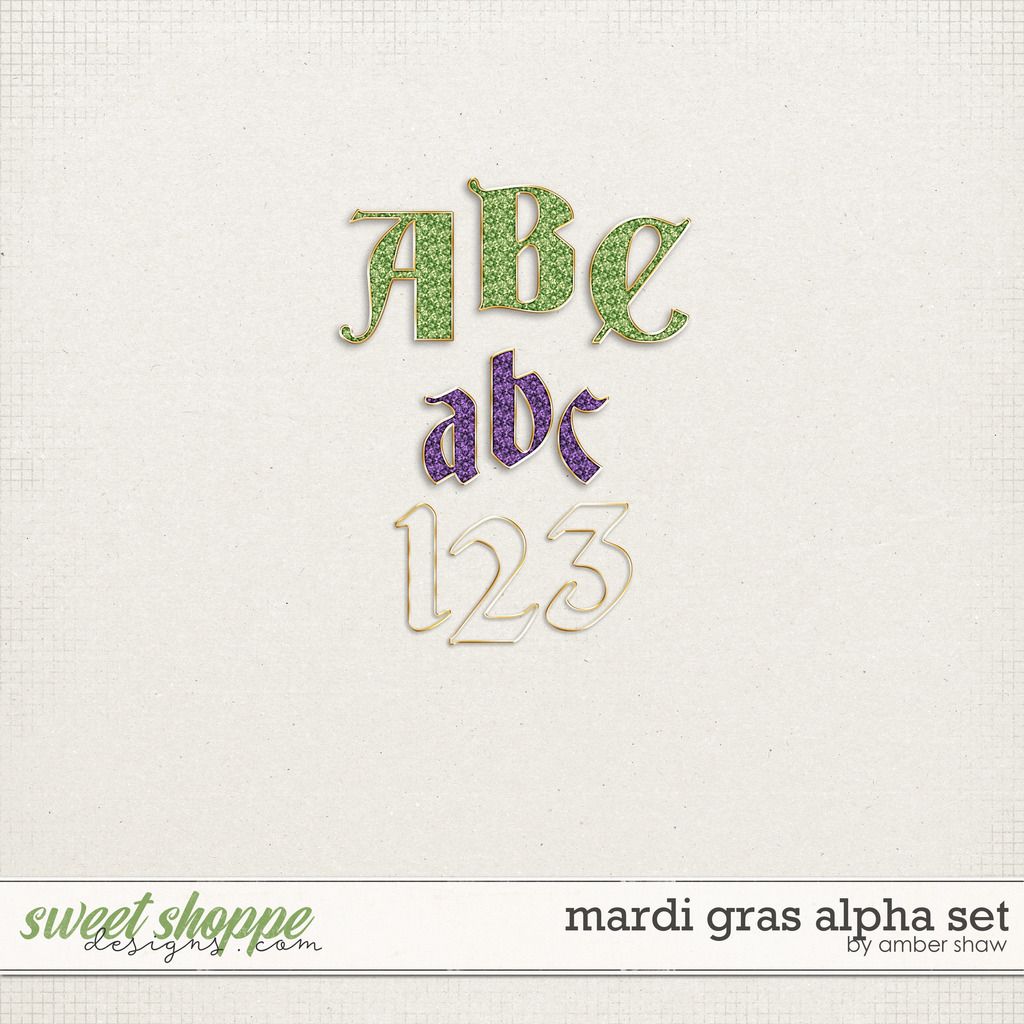
5) One random winner will receive a kit of their choice from Amber or Megs store (#believeinmagic included).
I can't wait to see your pages! Thanks Amber and Megs for the fun challenge!
Have you seen the lastest #believeinmagic collection? Believe In Magic: Bayou Belle was just released and it is stunning! The PP for this month’s challenge coordinates perfectly with this collection. You won’t want to miss it and remember one lucky winner will receive an added treat.
February is the month of love. It is about kissing that frog to find your Prince Charming. The idea for this month’s challenge is all about Prince and Princesses. Here are the details:
Nitty gritty for February’s Monthly Magic challenge:
1) For this challenge, you will need to scrap a photo of your Prince or your Princess. This instruction is pretty liberal and up to your interpretation. It can be any Prince or Princess. Your DH, your kids, you, your furry Princess... just to name a few.
2) Your Prince or Princess page must be made with 100% Studio Flergs or Amber Shaw Designs products or #believeinmagic collections. Templates from another designer are acceptable.
3) Please post your layout in
Studio Flergs gallery or
Amber Shaw Designs gallery whichever applies.
4) You have until 11:59 pm PST time on February 29th to complete your page and post it here (with it linked to your gallery). Please feel free to share with us a little about the Prince or Princess in your page. All who complete a page will receive this participation prize:

5) One random winner will receive a kit of their choice from Amber or Megs store (#believeinmagic included).
I can't wait to see your pages! Thanks Amber and Megs for the fun challenge!
Last edited:
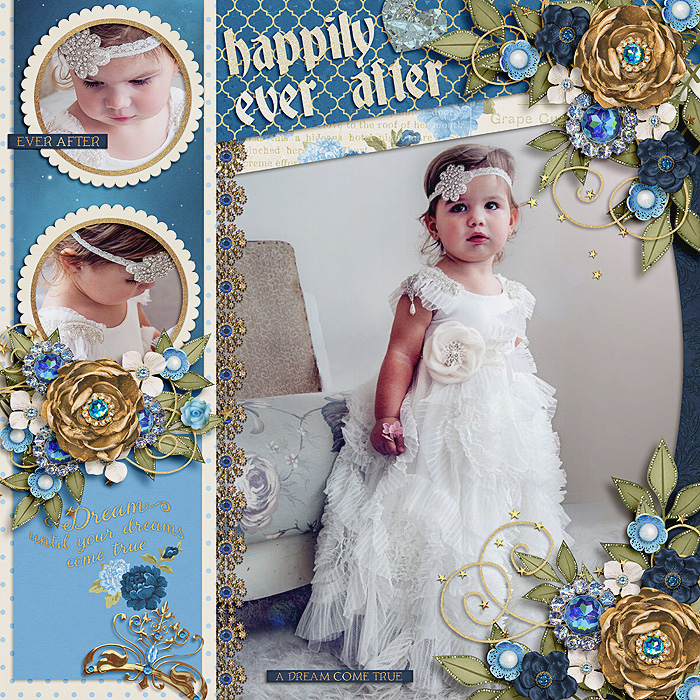


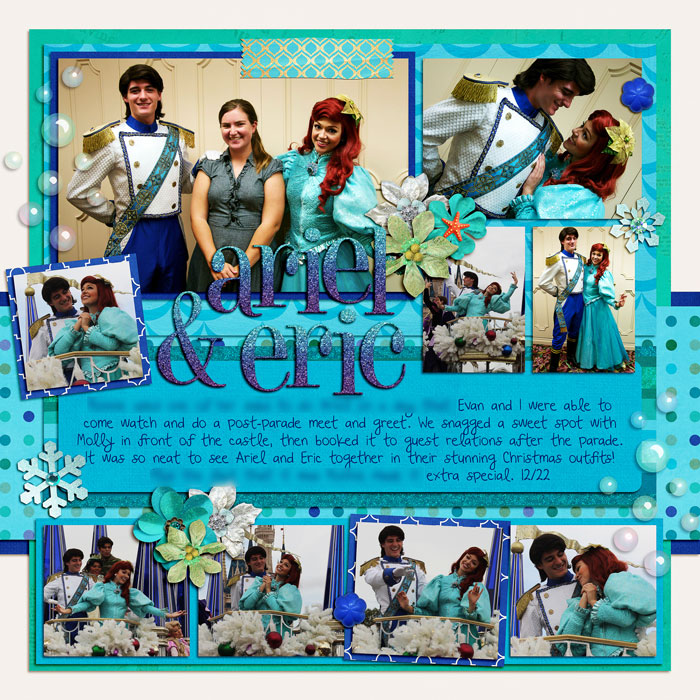






 (
(