MommaTrish
Well-known member
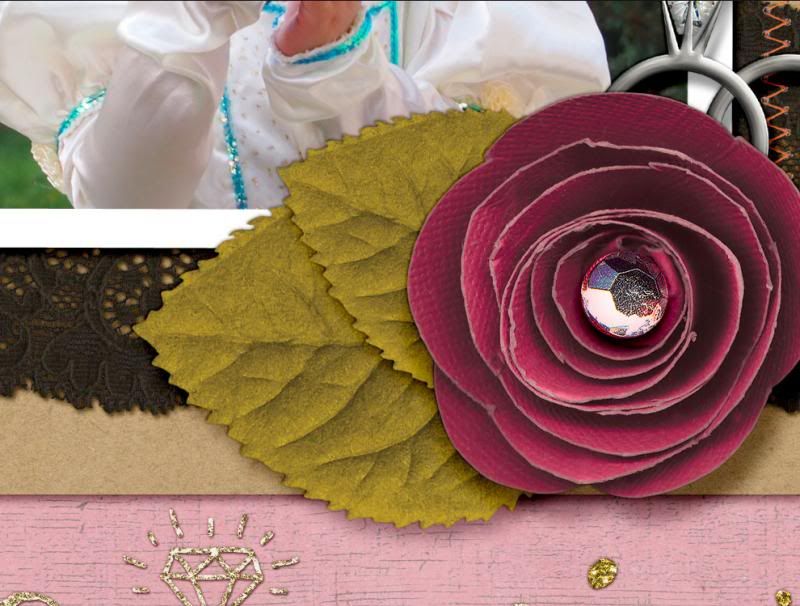
Show me a clip of some of your shadows with your page view on 100%.
One way to do it - in Photoshop go to Window and make sure that Navigator is checked. You should now see a box with your layout over near your layers and such. Next go to your layout and zoom all the way (easy way is CTRL+ALT+0 or View>Actual Pixels). Use the navigator to move around your page and find the shadows that you want to highlight and then do a screen capture.
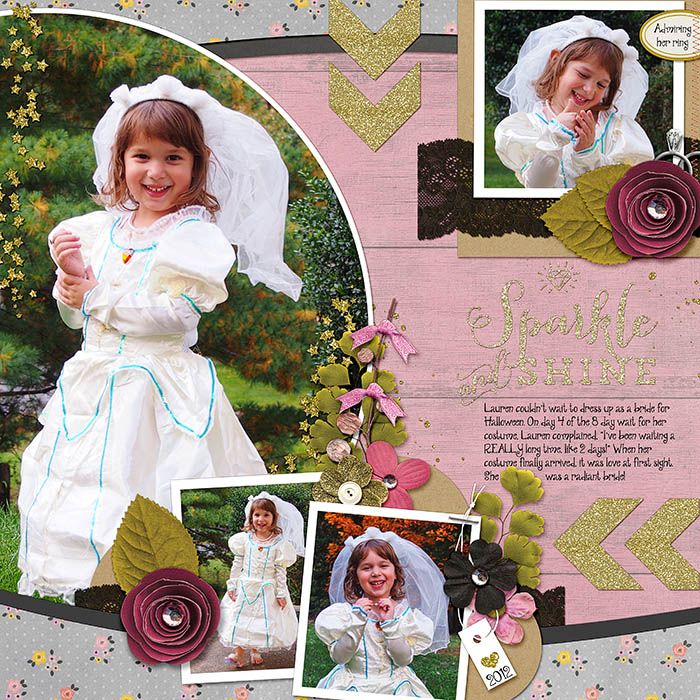
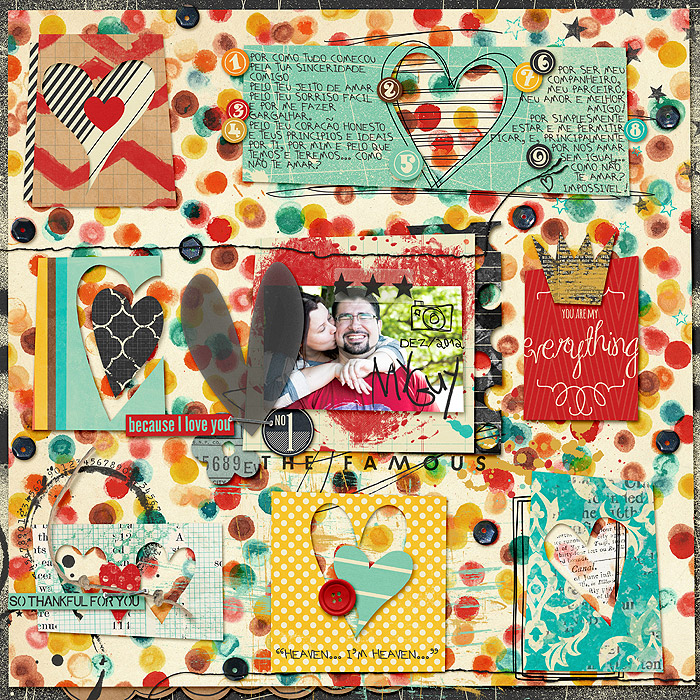
Layout (hey, that's a peek of Jenn's new kit!)

and the zoomed in part

One way to do it - in Photoshop go to Window and make sure that Navigator is checked. You should now see a box with your layout over near your layers and such. Next go to your layout and zoom all the way (easy way is CTRL+ALT+0 or View>Actual Pixels). Use the navigator to move around your page and find the shadows that you want to highlight and then do a screen capture.
Layout (hey, that's a peek of Jenn's new kit!)
and the zoomed in part






 ok. now I will shut up. LOL