jessica31876
New member
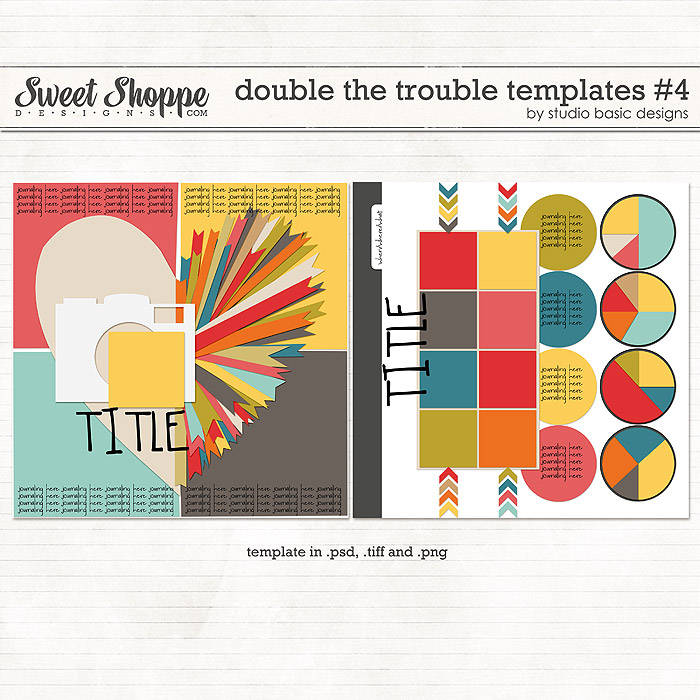
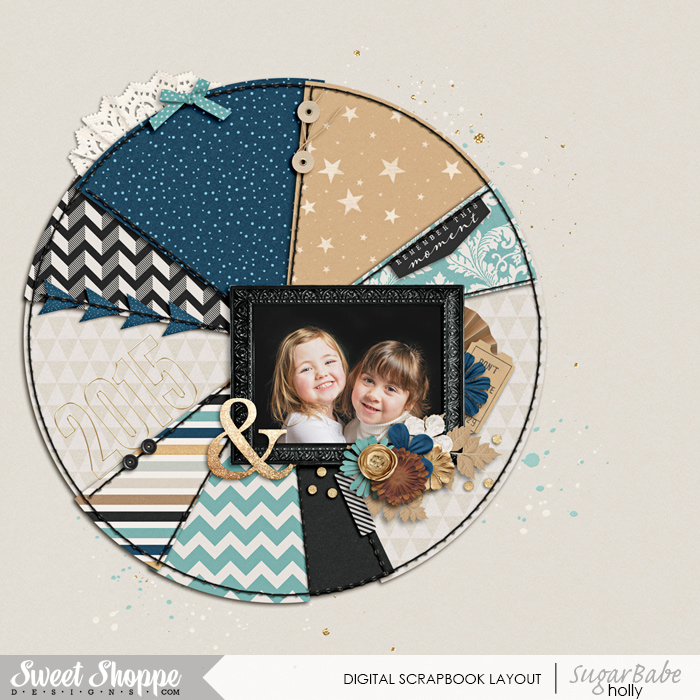
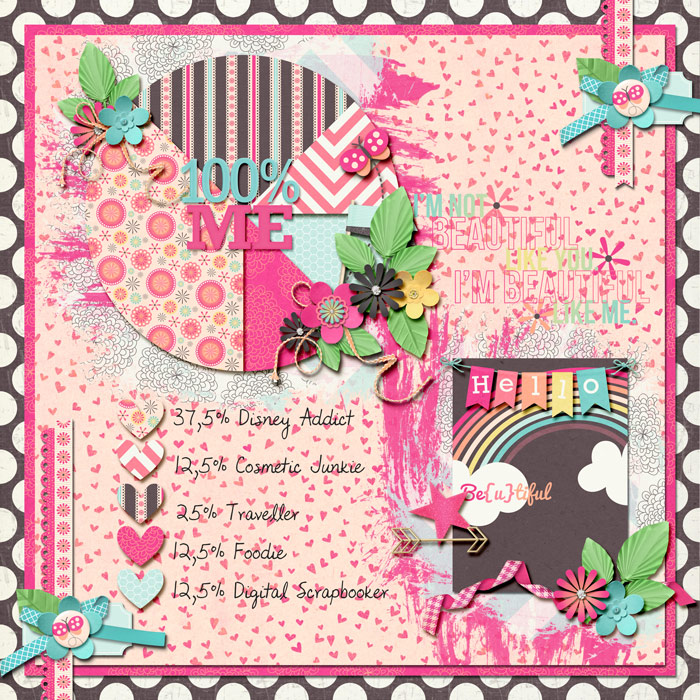
I have no ideas on this one. Someone please share your layouts so maybe Ill get an idea sparked here



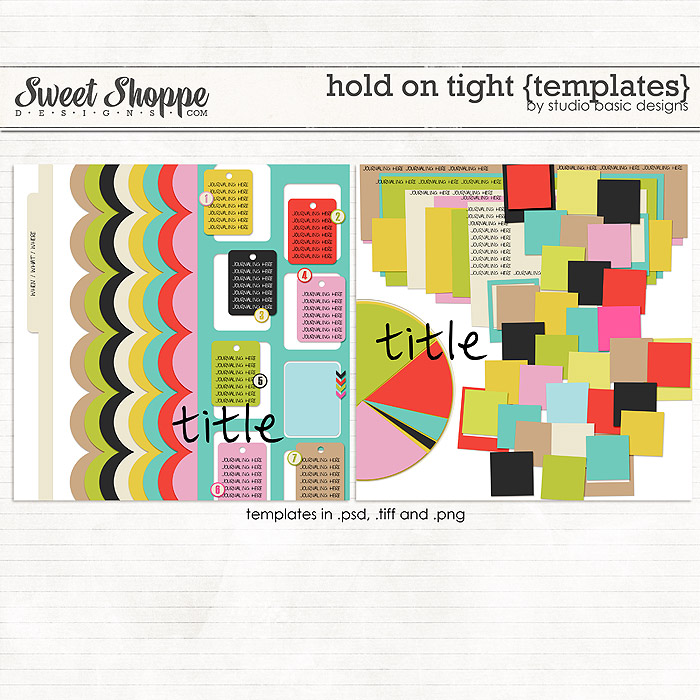
This kit from last weeks new releases has a pie chart paper in it.
https://www.sweetshoppedesigns.com/sweetshoppe/product.php?productid=30322&cat=731&page=1
 Thanks Hanna! I was so fixated on an actual pie chart that I didn't even notice the paper.
I might just do that.


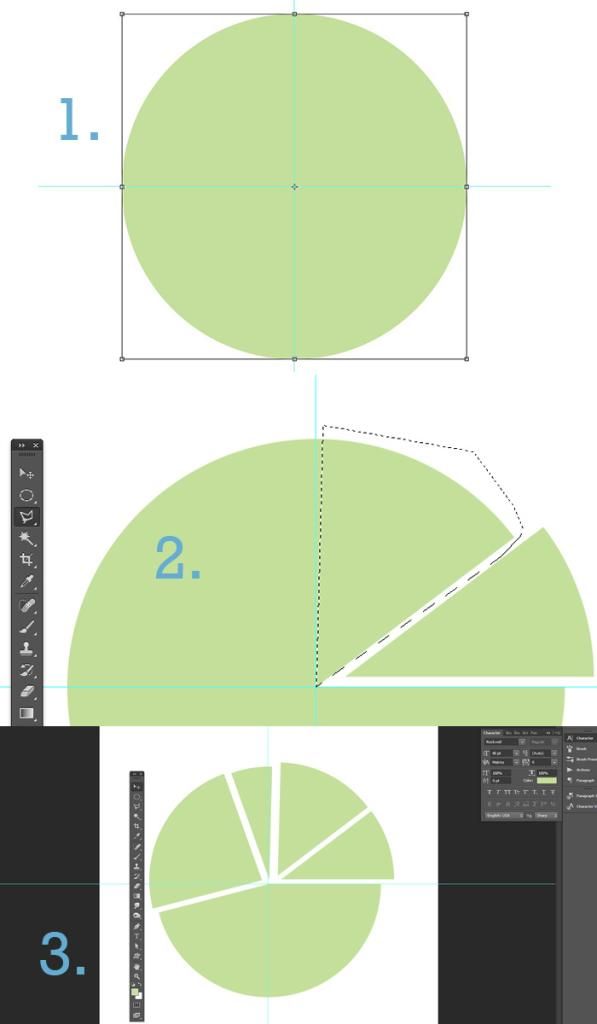





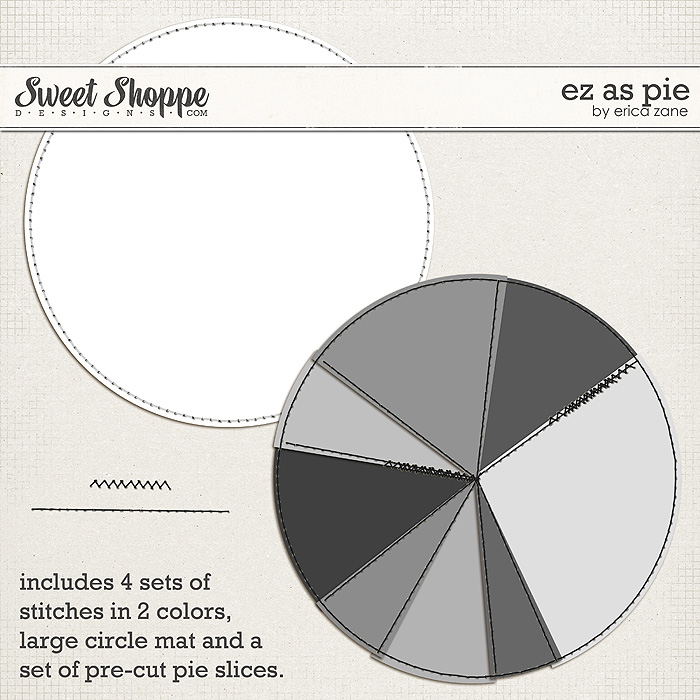
You can also make a pie chat by using the lasso tool... here's a quick how-to:
1. start by making a circle and finding the center of it. I do this by selecting 'transform' then dragging vertical and horizontal guidelines to the center point.
2. use the polygonal lasso tool to click the center of the circle and outward, creating a pie shaped selection. Then cut and paste into a new layer.
3. continue until the whole circle is chopped up.


You can also make a pie chat by using the lasso tool... here's a quick how-to:
1. start by making a circle and finding the center of it. I do this by selecting 'transform' then dragging vertical and horizontal guidelines to the center point.
2. use the polygonal lasso tool to click the center of the circle and outward, creating a pie shaped selection. Then cut and paste into a new layer.
3. continue until the whole circle is chopped up.
You can also make a pie chat by using the lasso tool... here's a quick how-to:


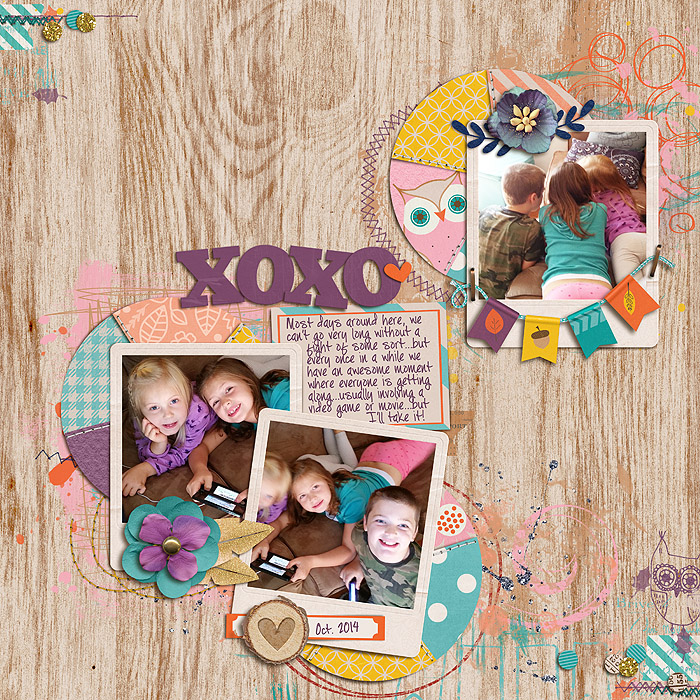

I got the pie chart by searching google. Just put in Free psd pie chart and you will get tons.